If you watched any live video this week, a sports match in your browser, a webinar, a church service on your phone, there is a very good chance it reached you through HLS streaming. HLS is the technology behind most live video and a large share of on-demand video on the web, and most people have used it hundreds of times without ever seeing the name. Then one day it shows up in a player setting, an error message, or a streaming dashboard, and you're left wondering what it actually is.
This guide answers that in plain language first, then adds the technical depth: what HLS is, how segments and playlists work, why your stream might run 20 seconds behind, and when HLS is (and isn't) the right choice.
What Is HLS?
HLS stands for HTTP Live Streaming. It's a video delivery protocol that Apple introduced in 2009, originally so the iPhone could play live video without Flash. The core idea is almost suspiciously simple: instead of pushing video down a special connection, chop it into small files and let players download those files over plain HTTP, the same protocol your browser already uses for every web page and image.
That simple idea won. What began as an Apple-only format is now the de facto standard for video delivery everywhere: iOS and Android, every desktop browser (with a small assist we'll get to), smart TVs, set-top boxes, and game consoles. When a streaming platform gives you a playback URL ending in .m3u8, that's HLS.
Why delivering video over HTTP won
Before HLS, live video usually traveled over specialized streaming protocols like RTMP, which needed dedicated media servers and their own network ports. That approach had three problems that HTTP delivery solves elegantly:
- It scales like a website. HLS segments are just static files, so any ordinary web server or CDN can serve them. Serving a million viewers becomes a caching problem, one CDNs solved decades ago, rather than a "million open video connections" problem.
- It passes through firewalls. Corporate and school networks routinely block unusual ports, but they can't block port 80/443 without breaking the web. HLS traffic looks like regular web traffic because it is regular web traffic.
- It adapts to real networks. Because the video exists as discrete files at multiple quality levels, a player can switch quality between segments as your bandwidth changes. More on that below.
How HLS Streaming Works
Here's the whole pipeline, from camera to viewer:
Camera/OBS  →  ingest (RTMP/SRT)  →  Streaming server
                                          │
                                          ├── encodes multiple qualities
                                          ├── cuts video into segments (.ts or .fmp4)
                                          └── writes an .m3u8 playlist listing them
                                          │
              CDN serves those files  ←───┘
                                          │
              Player reads the playlist, downloads segments, plays them back
Step by step:
- Your encoder sends one continuous feed to a server. OBS, vMix, or a hardware encoder pushes video using an ingest protocol, usually RTMP or SRT. HLS itself doesn't start until the server.
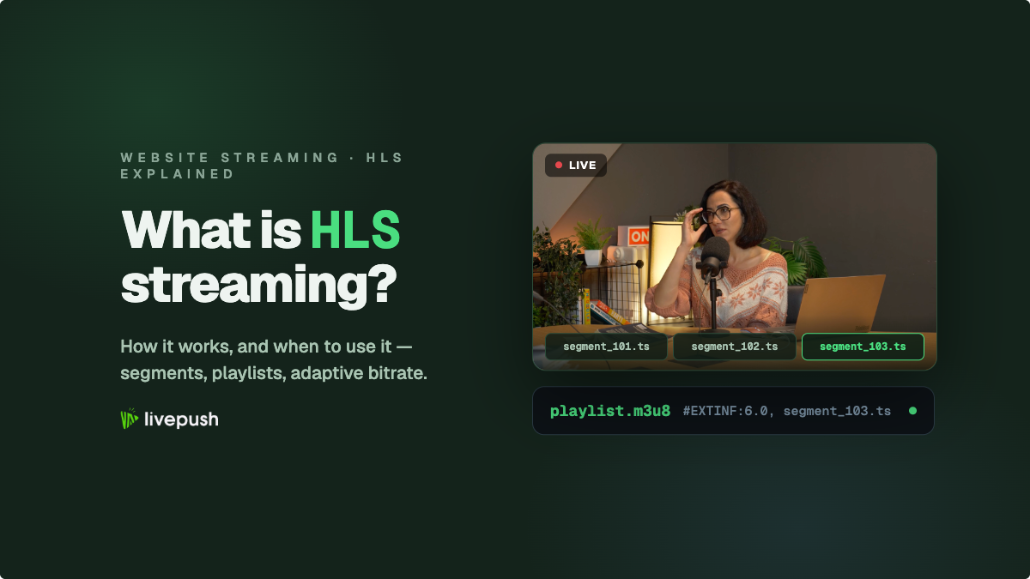
- The server slices the feed into segments. Each segment is a small standalone video file, historically
.ts(MPEG transport stream), increasingly.fmp4(fragmented MP4), typically 2–10 seconds long. - The server writes a playlist. A small text file with the
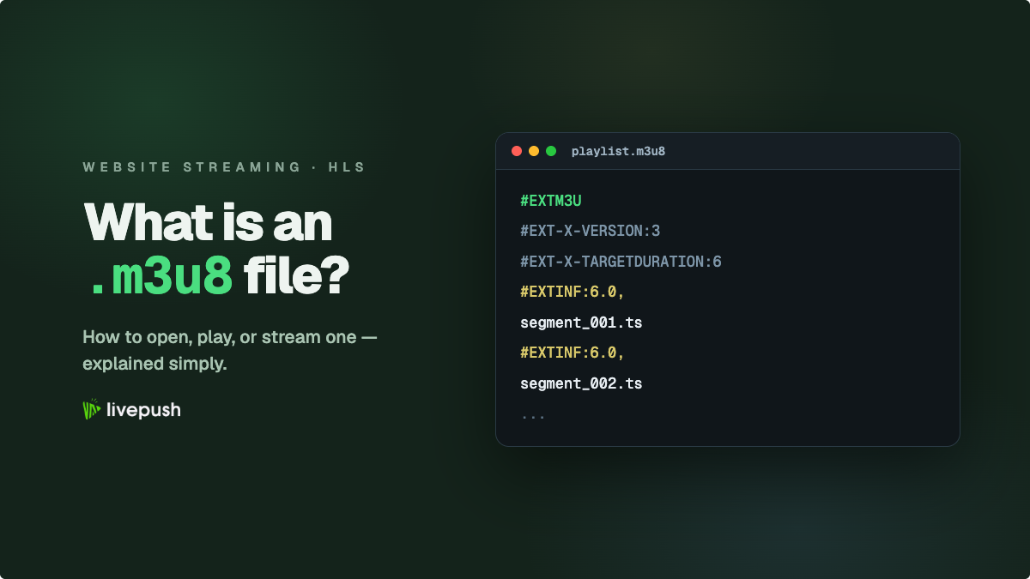
.m3u8extension lists the available segments and quality levels, updating every few seconds during a live stream. This playlist is the "address book" of the stream. We break down its contents line by line in our guide to what an M3U8 file is. - The player does the rest. A viewer's player downloads the playlist, fetches the segments it lists over HTTP, and stitches them into smooth playback, re-checking the playlist for new segments as the stream continues.
The key insight: at no point is there a special "video connection." A live stream becomes an ever-growing pile of small files plus a frequently updated table of contents, and that's exactly why it scales so well.
Adaptive Bitrate: Why Viewers on Bad Wi-Fi Don't Buffer
The feature that made HLS truly dominant is adaptive bitrate streaming (ABR). The server doesn't produce just one version of your stream. It produces several renditions at different resolutions and bitrates, called a quality ladder, and lists them all in the playlist.
A typical ABR ladder looks like this:
| Rendition | Resolution | Video bitrate | Who gets it |
|---|---|---|---|
| 1080p | 1920x1080 | ~5 Mbps | Fibre, strong Wi-Fi |
| 720p | 1280x720 | ~2.8 Mbps | Average broadband, good 4G |
| 480p | 854x480 | ~1.2 Mbps | Weak Wi-Fi, average mobile |
| 360p | 640x360 | ~0.6 Mbps | Congested or rural connections |
The player constantly measures how fast segments are downloading. When bandwidth drops, on a train, on hotel Wi-Fi, when someone else starts a download, it quietly switches to a lower rendition at the next segment boundary instead of freezing to buffer. When bandwidth recovers, it climbs back up. Viewers rarely notice the switch; they just notice that the stream keeps playing.
This is why a single HLS URL can serve a viewer on fibre and a viewer on a phone in a parking garage at the same time, each getting the best quality their connection can sustain. A managed service like Livepush's HLS live streaming generates this full ladder automatically from your single encoder feed, so you don't have to run multiple encoders yourself.
HLS Latency: Why Your Stream Is 20 Seconds Behind
Wave at the camera, then watch your own stream: the wave shows up 15 to 30 seconds later. That delay is not a bug in your setup. It's the structural cost of standard HLS.
The math is straightforward. A segment can't be published until it's fully recorded, so 6-second segments mean at least 6 seconds of delay before anything else happens. Players then buffer three or so segments before starting playback to protect against network hiccups, and encoding plus CDN propagation adds a few more seconds. Stack it up and 15–30 seconds is normal.
Low-Latency HLS (LL-HLS)
Apple's answer is Low-Latency HLS, an official extension that brings delay down to roughly 2–5 seconds. Instead of waiting for a full segment, the server publishes partial segments (chunks of a few hundred milliseconds) that players can fetch immediately, along with playlist tricks that let players ask "tell me the moment something new exists" rather than polling: blocking playlist reloads, preload hints for the next part, compact delta playlist updates, and rendition reports so quality switches stay fast. None of it depends on HTTP/2 server push. Crucially, LL-HLS keeps everything that made HLS great: plain HTTP, CDN caching, and fallback to standard HLS for older players.
Does latency actually matter for you?
Often less than people assume:
- Latency barely matters: broadcasts, sports to a general audience, church services, concerts, webinars where questions come in via text. Nobody watching alone notices 20 seconds.
- Latency matters a lot: live auctions and sales drops, interactive Q&A where the host reacts to chat, casino-style games, watch-alongs synced to another feed. Here you want LL-HLS, or for true real-time interaction (under one second), a different technology like WebRTC.
HLS vs RTMP: Not Actually Rivals
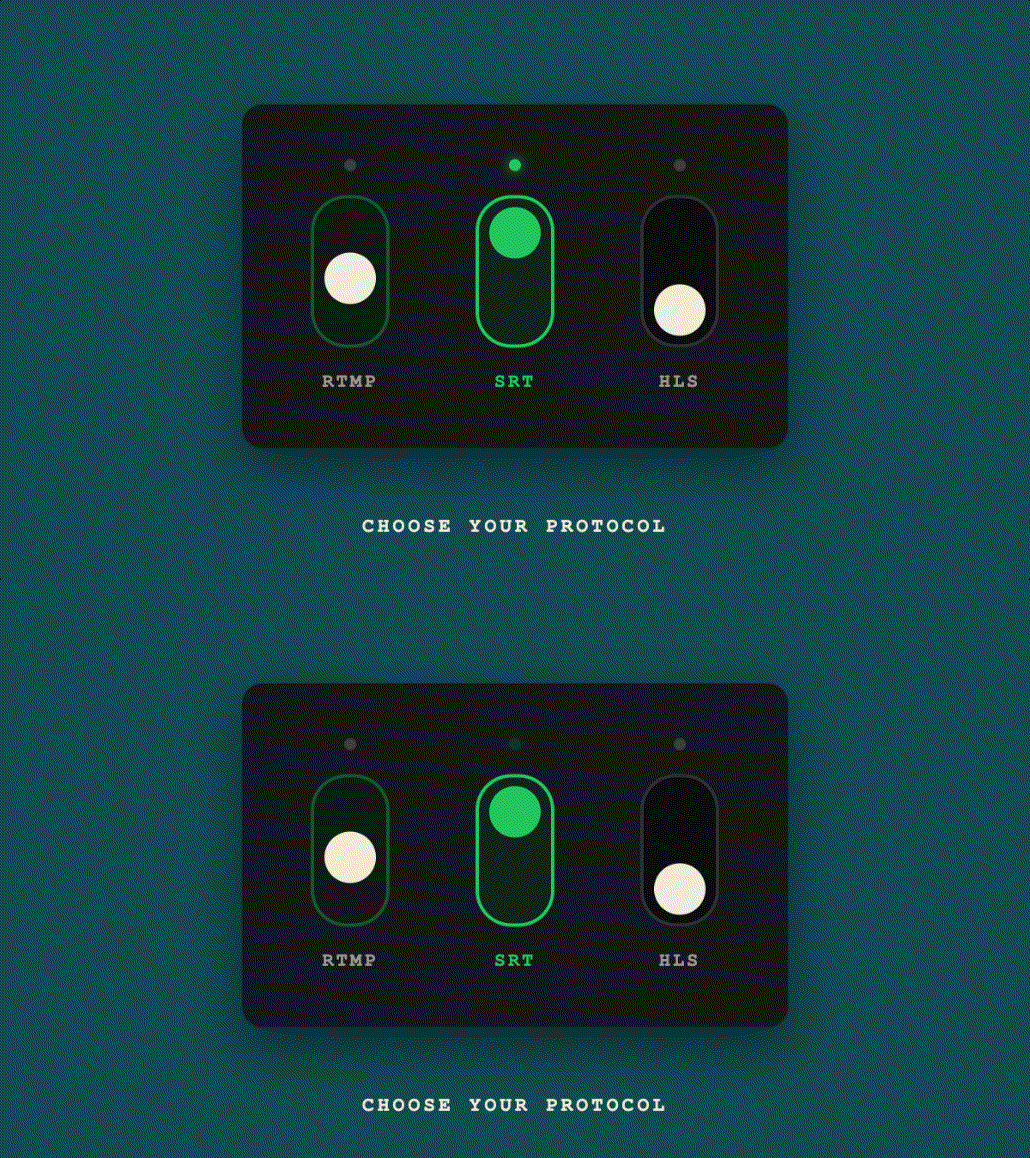
Searches for "HLS vs RTMP" suggest a face-off, but the two protocols work different shifts. RTMP is an ingest protocol: it carries video from your encoder to the streaming server, one sender to one receiver, with 1–3 seconds of latency. HLS is a delivery protocol: it carries video from the server to thousands or millions of viewers.
That's why your OBS settings ask for an RTMP URL while your website embed asks for an HLS URL. A normal live stream uses both: RTMP (or SRT) in, HLS out. You never have to pick one over the other for the same job, you pick the right one for each end of the pipeline. For the full breakdown, including when SRT beats RTMP for ingest, see our RTMP vs SRT vs HLS comparison.
When to Use HLS (and When Not To)
HLS is the right choice when you're delivering video to viewers, which covers the overwhelming majority of streaming situations:
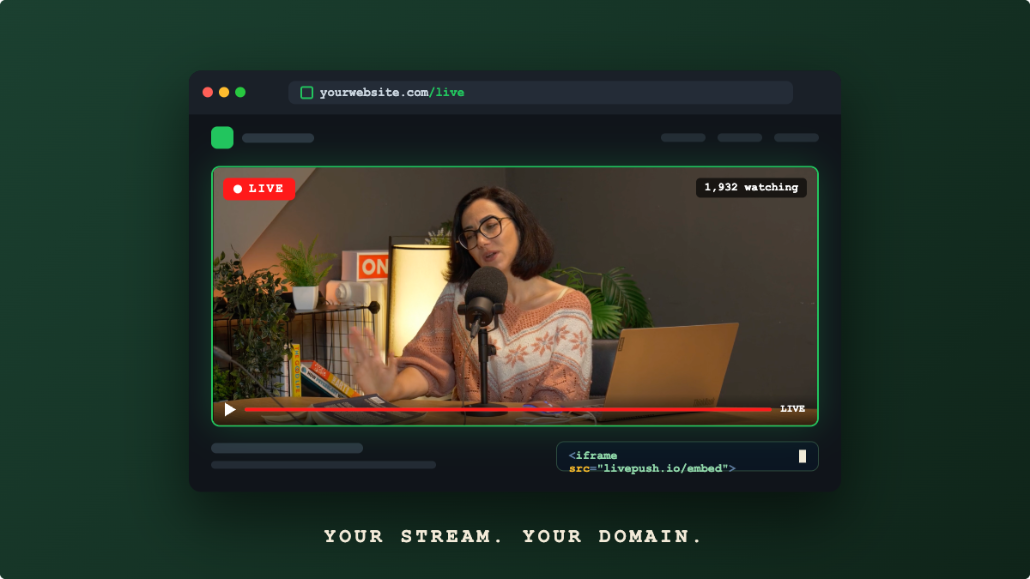
- Embedding a live stream on your website. HLS plus a JavaScript player is the standard, reliable way to put live video on a page you control.
- Reaching every device. One HLS URL covers iPhone, Android, desktop browsers, and smart TVs. It's the closest thing streaming has to "works everywhere."
- Large audiences. Because CDNs cache HLS segments like any static file, the cost and complexity of adding viewers is minimal.
- OTT and mobile apps. Native players on iOS (AVPlayer) and Android (ExoPlayer/Media3) speak HLS out of the box.
- Streams that must survive bad networks. ABR keeps playback going where a fixed-bitrate stream would stall.
HLS is the wrong choice when:
- You need sub-second, conversational latency, video calls, real-time gaming, remote camera control. That's WebRTC territory.
- You're configuring your encoder's output. HLS isn't an ingest format; OBS needs an RTMP or SRT destination.
One quirk worth knowing: because Apple invented HLS, Safari and iOS play .m3u8 URLs natively, while Chrome and Firefox need a JavaScript player such as hls.js. This is the classic "plays on my iPhone but not in the old player on my desktop" mystery, and it's solved simply by embedding a proper web player instead of linking the raw URL.
How to Get an HLS URL for Your Own Stream
You don't create HLS files yourself. You stream to a service that creates them for you:
- Pick a streaming provider that outputs HLS. With Livepush, every stream you ingest gets an HLS playback URL automatically, with the ABR ladder included.
- Point your encoder at the ingest URL. In OBS: Settings, then Stream, then paste the RTMP URL and stream key.
- Grab the HLS URL (ending in
.m3u8) from your dashboard. - Test it by pasting the URL into the free browser-based Livepush HLS player. If it plays there, the stream itself is healthy, which makes any later embed problems easy to isolate.
- Embed it on your site. A few lines of hls.js, or a copy-paste embed code from your provider, puts the stream on any page. Our step-by-step guide to embedding a live stream on your website walks through both options, including autoplay and CORS gotchas.
Wrapping Up
HTTP Live Streaming took a humble idea, serve video as small files over the ordinary web, and turned it into the backbone of modern streaming. Segments and playlists make it scale, adaptive bitrate makes it resilient, and LL-HLS is steadily closing the latency gap. If you're delivering live video to an audience, on your website, in an app, or across every device at once, HLS streaming is almost certainly how it should travel the last mile. Send your encoder feed to Livepush, take the HLS URL it hands back, and your stream is ready to embed anywhere.
Embed live video on your website
Every Livepush stream includes a white-label HLS player.