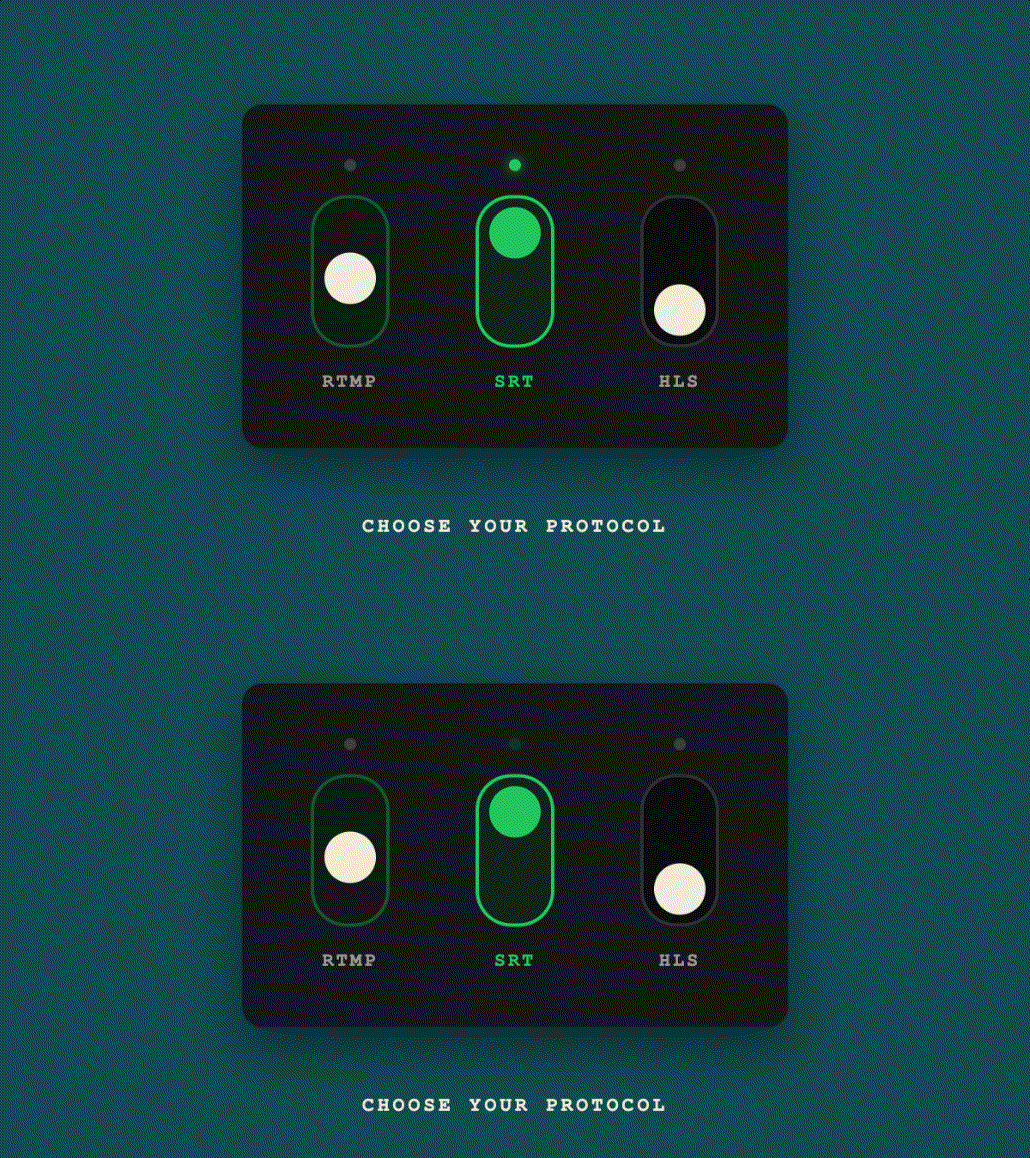
When you set up a live stream, you use at least two different protocols: one to send video from your encoder to a server (ingest), and one to deliver it to viewers (delivery). RTMP, SRT, and HLS serve different parts of this pipeline, and choosing the right one for each role makes a meaningful difference in stream quality and reliability.
The Short Answer
| Protocol | Best For | Latency | Reliability |
|---|---|---|---|
| RTMP | Encoder-to-server ingest | 1–3 sec | Good on stable networks |
| SRT | Ingest on unstable connections | 0.5–1 sec | Excellent (built-in error recovery) |
| HLS | Viewer delivery to browsers | 15–30 sec (2–5 sec with LL-HLS) | Excellent (CDN-backed) |
RTMP: The Industry-Standard Ingest Protocol
Real-Time Messaging Protocol (RTMP) was developed by Adobe in the early 2000s for Flash video delivery. Flash is long dead, but RTMP lives on as the standard ingest format for live streaming platforms.
How RTMP works
RTMP operates over TCP on port 1935. You point your encoder (OBS, vMix, etc.) at an RTMP URL like:
rtmp://us-ws.livepush.io/rtmp/YOUR_STREAM_KEYThe encoder sends a continuous video/audio stream. The server receives it and re-packages for delivery.
RTMP strengths
- Universal encoder support: OBS, vMix, Wirecast, Zoom, StreamYard, hardware encoders
- Low setup complexity
- Very low latency to the ingest server (1–3 seconds)
- Supported by every major streaming platform as ingest
RTMP limitations
- TCP-based, so packet loss triggers retransmissions that block everything behind them; the stream stalls or disconnects rather than skipping ahead
- Not suitable for direct browser delivery (requires conversion to HLS)
- No built-in encryption beyond RTMPS (RTMP over TLS)
- Maximum practical bitrate limited by TCP flow control on lossy links
SRT: The Modern Ingest Protocol for Unreliable Links
Secure Reliable Transport (SRT) was developed by Haivision and open-sourced in 2017. It's now supported by OBS, vMix, Wirecast, and most professional encoders.
How SRT works
SRT runs over UDP but adds:
- ARQ (Automatic Repeat Request): lost packets are retransmitted
- FEC (Forward Error Correction): optional redundancy packets that recover losses without waiting for a retransmission; off by default in most encoders
- Encryption: AES-128/256 built in
A typical SRT ingest URL looks like this (copy the real host, port, and stream ID from your streaming service's dashboard; they differ per service and per stream):
srt://INGEST_HOST:PORT?streamid=YOUR_STREAM_ID&latency=2000The latency parameter (in milliseconds) is your buffer for retransmissions: higher latency = more time to recover from packet loss.
SRT strengths
- Recovers from packet loss, jitter, and network congestion without dropping the stream
- Lower end-to-end latency than HLS (sub-second to 2 seconds achievable)
- Built-in AES encryption
- Excellent for remote production, cellular connections, satellite uplinks
SRT limitations
- Not all servers support it yet (though Livepush, Wowza, AWS IVS, and others do)
- Slightly more complex setup than RTMP
- Encoder support slightly less universal (but all major tools include it now)
HLS: The Delivery Standard
HTTP Live Streaming (HLS) was developed by Apple and is now the dominant format for delivering video to web browsers, iOS, Android, and smart TVs. You almost never use HLS for encoding. It's for the last mile between server and viewer.
How HLS works
HLS breaks the video stream into small segments, historically .ts (MPEG Transport Stream) files and increasingly fragmented MP4 (.m4s), typically 2–10 seconds each, and serves them over standard HTTP via an .m3u8 playlist file. The player periodically fetches the playlist and downloads the next segment. A playback URL looks like this (copy the real one from your streaming service's dashboard):
https://PLAYBACK_HOST/live/STREAM_ID/playlist.m3u8This is why HLS latency is typically 15–30 seconds: the player must download 3–5 segments before it can start playing.
Low-Latency HLS (LL-HLS)
Apple's LL-HLS extension reduces latency to about 2 to 5 seconds by publishing partial segments (a few hundred milliseconds each), letting players block on a playlist request until the next part exists, hinting the next part so players can request it early, and sending compact delta playlist updates and rendition reports instead of full reloads. It does not require HTTP/2 server push. Major CDNs and media servers support LL-HLS.
HLS strengths
- Works natively in every browser, mobile OS, and smart TV
- CDN-distributable at massive scale
- Adaptive Bitrate (ABR) support that switches quality automatically based on viewer bandwidth
- Excellent resilience (segments are just files served over HTTP)
HLS limitations
- Inherent latency (15–30 sec standard, 2–5 sec LL-HLS)
- Not suitable as an ingest protocol
- Requires conversion from RTMP/SRT ingest at the server
Typical Workflow: How They Work Together
A complete live streaming workflow often uses all three:
- OBS → RTMP or SRT → Livepush server (ingest)
- Livepush server → transcodes, re-packages → HLS segments (processing)
- CDN distributes HLS to viewers worldwide (delivery)
- Optionally: Livepush → RTMP out → YouTube/Facebook/Twitch (multistreaming)
Which Protocol Does Livepush Support?
Livepush accepts both RTMP and SRT for ingest. After receiving your stream, it:
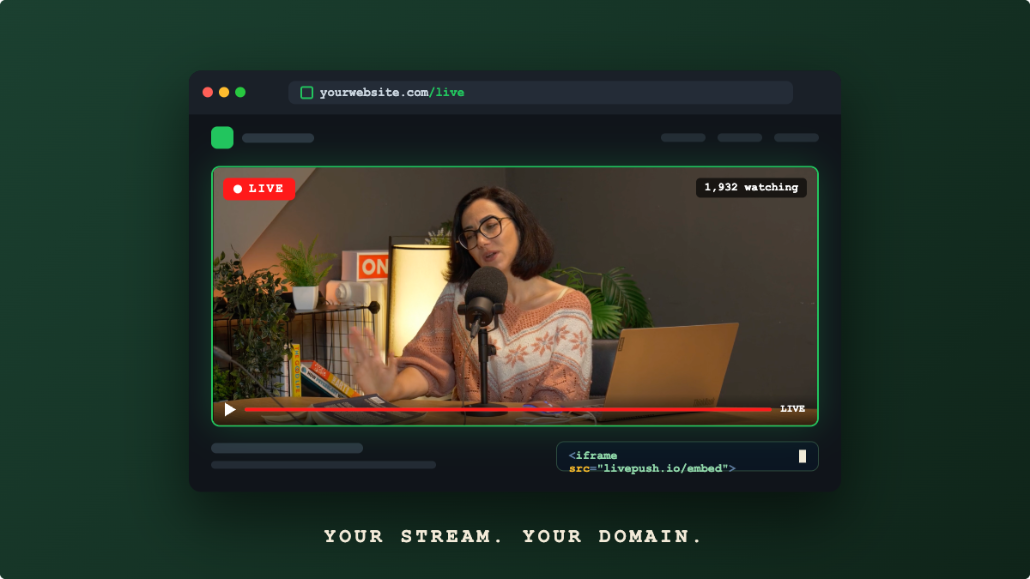
- Packages it for HLS delivery via the Livepush player
- Optionally forwards it via RTMP to social media platforms (YouTube, Facebook, Twitch, etc.)
For most streamers: use RTMP ingest from OBS on a home broadband connection. Switch to SRT if you're at a venue, on cellular, or experiencing frequent disconnects.
Quick Decision Guide
Streaming from stable home/studio internet → RTMP
Streaming from venue/cellular/satellite → SRT
Delivering to website viewers → HLS
Streaming to YouTube/Facebook/Twitch → RTMP or RTMPS (what every platform accepts; Facebook requires RTMPS)
Maximum security + reliability for production → SRT
RTMP & SRT ingest, included free
Livepush accepts RTMP and SRT from OBS, vMix, Wirecast, and any encoder.