Somewhere in your congregation is a member who hasn't been able to sit in a pew for two years. There's a family that travels for work half the month, a college student three states away, and a new mom who can't manage a Sunday morning with a newborn but still wants to worship with her church. Your live stream isn't a production project. It's a ministry to those people, and it matters whether it works this Sunday.
Here's the reassurance up front: you don't need a broadcast degree or a big budget to do this well. Some of the most faithful, most watched church streams run on donated equipment, a volunteer who learned the setup in an afternoon, and a checklist taped next to the laptop. This guide walks the whole journey, from a phone on a tripod to a reliable multi-platform setup, and flags the two problems that catch churches off guard most often: music copyright on the big platforms, and depending on a single platform that can mute or block your service mid-sermon.
Start Where You Are: Three Budget Tiers
There is no shame in tier 1 and no obligation to reach tier 3. Each tier serves your congregation; each one just serves them a little more reliably.
| Tier | Typical Budget | Core Gear | Best For |
|---|---|---|---|
| 1: Phone and tripod | $0–100 | Smartphone, tripod, free platform apps | Getting started this Sunday |
| 2: Camera + soundboard + laptop | $500–1,500 | Camcorder or mirrorless camera, capture card, audio feed from mixer, laptop with OBS | Most churches, most of the time |
| 3: Multi-camera + switcher | $2,500–5,000+ | 2–3 cameras, ATEM-class hardware switcher or dedicated encoder, dedicated stream PC | Larger rooms, multi-campus, overflow venues |
Tier 1: The Phone and Tripod (Genuinely Fine)
A modern smartphone shoots better video than the broadcast cameras of twenty years ago. Put it on a $25 tripod, frame the platform, plug it into power, connect to Wi-Fi (or better, position it near the router), and go live through the Facebook app or the YouTube app. One catch on YouTube: going live from the mobile app requires at least 50 subscribers and a verified channel, and the first stream can take up to 24 hours to unlock, so enable live streaming a few days ahead. Channels under 50 subscribers can still stream to YouTube from a laptop with OBS, or through Livepush, where there is no subscriber gate. That's a real church stream, and your homebound members will be grateful for it.
Two tips make tier 1 dramatically better: get the phone close enough to the front that the built-in mic picks up clear speech, and lock the exposure and focus before the service starts so the picture doesn't pulse when the lights change. If you can add one purchase, make it a $20–80 lavalier or shotgun mic that plugs into the phone; the Rode SmartLav+ is the classic pick (it has a 3.5 mm plug, so most current phones need a Lightning or USB-C adapter). Audio, not video, is what makes phone streams feel amateur.
The honest limitations: you're tied to one platform per stream, the mic will always struggle with congregational singing, and there's no graceful way to show slides or lyrics. When those limits start to chafe, you're ready for tier 2.
Tier 2: One Camera, Real Audio, One Laptop ($500–1,500)
This is the tier most churches should aim for, and one volunteer can run it alone. The archetype:
- A camcorder or mirrorless camera with clean HDMI output ($300–700 used or entry-level new). Camcorders win on zoom range and the ability to run for 90 minutes without overheating; check for that before buying.
- A USB capture card ($20–150) to bring the camera's HDMI signal into the laptop.
- An audio feed from your soundboard into the laptop or camera. Often this is just one cable and a small USB audio interface ($50–150). More on why this matters in a moment.
- A laptop running OBS Studio, which is free. Any reasonably recent laptop handles a single 1080p camera and a slide overlay.
With OBS you gain the things that make a stream feel intentional: lyric and sermon-note overlays, a pre-service countdown, a "stream starting soon" screen, and the ability to send your stream anywhere, not just where an app allows.
Tier 3: Multi-Camera and a Switcher (Multi-Campus Territory)
When one camera angle can't cover baptisms, the choir, and the pulpit, or when you're feeding an overflow room or a second campus, the archetype changes: two or three cameras into a hardware switcher in the ATEM Mini class ($300–1,000), a dedicated streaming computer or hardware encoder, and ideally a wired ethernet connection reserved for the stream. Budget $2,500–5,000 and up depending on cameras.
The important warning about tier 3 is not the money. It's the volunteers. A multi-camera setup needs someone directing cuts every week, forever. Don't buy gear your team can't staff. A well-run single camera beats a poorly-run three-camera setup every single Sunday.
Audio First: The One Mistake That Ruins Church Streams
If you take a single sentence from this guide, take this one: the number one quality mistake in church live streaming is using the camera's built-in microphone.
A camera mic at the back of the room hears everything the room hears: HVAC rumble, the crying baby in row three, coughs, chair squeaks, and a pastor whose voice arrives as a distant echo. Meanwhile, your soundboard already has clean, close-mic'd audio of every voice and instrument, mixed by someone every week. Use it.
The simplest version: run a cable from a spare output on your mixer (an aux send or a dedicated bus if your tech can set one up, the main output if not) into a small USB audio interface, then into the laptop as an OBS audio source. If possible, ask your sound operator to build a separate stream mix, because what sounds right in the room rarely sounds right online. In the room, the congregation's singing fills the air naturally; online, a board feed with no room mics can sound eerily empty during worship. One ambient mic mixed low underneath the board feed restores the sense that people are actually there.
Viewers will forgive soft video without a second thought. They will leave over bad audio in ninety seconds.
Where Should Your Church Stream? (The Question That Matters Most)
Gear questions get all the attention, but the strategic question is where the stream goes. The three destinations serve genuinely different congregants:
- YouTube is where people search. Someone typing your church's name, or "churches near me live stream", finds you here. Replays of streams under 12 hours are archived automatically and stay up indefinitely, sermon archives build on their own, and homebound members can watch on a smart TV with big, simple controls.
- Facebook is where your existing community already scrolls. Members share the stream to their own feeds, comment "watching from the hospital, please pray", and invite friends with one tap. For congregations over 40, Facebook is often where the live viewers actually are. One caveat: since 2025 Facebook deletes live replays 30 days after the broadcast, so Facebook is for the live moment, not the archive.
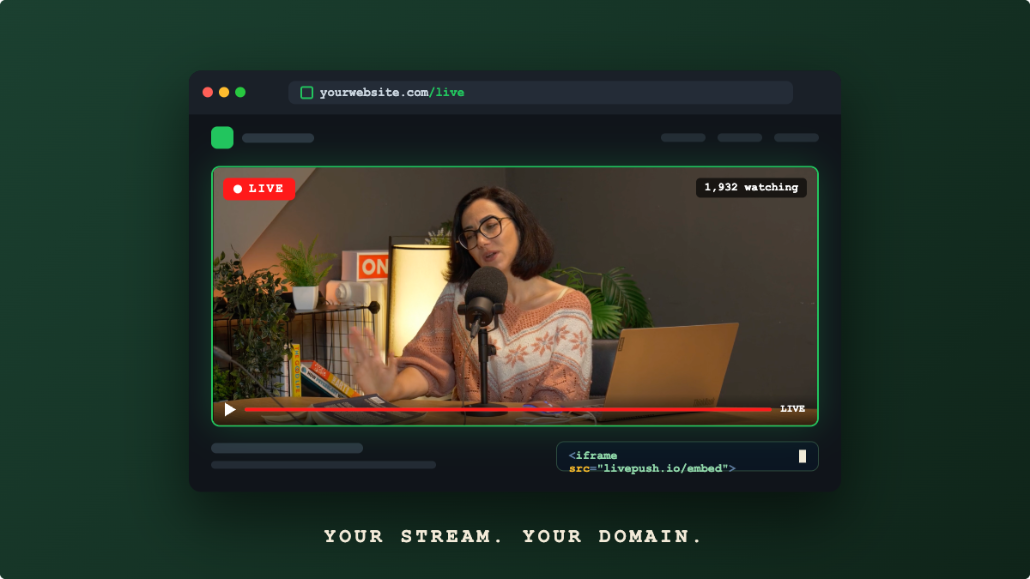
- Your church website is the destination you own. An embedded player on your own site has no ads before the sermon, no algorithm deciding whether members see you, no "up next" sidebar recommending someone else's content (or worse) the moment the benediction ends, and no third party that can take your service down mid-stream. It's also the only destination where first-time visitors checking out your church land on your pages, not a platform's.
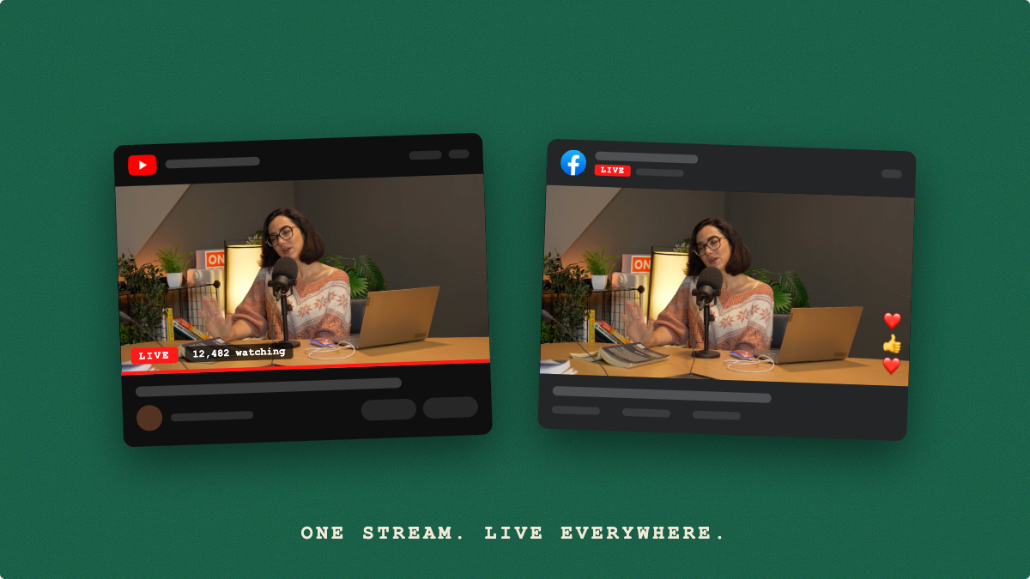
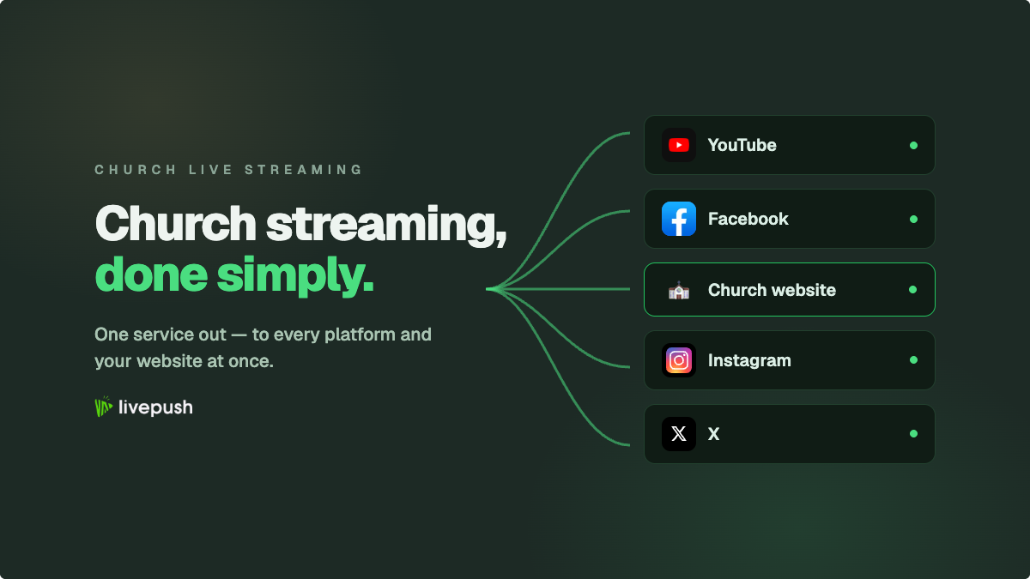
The instinct is to pick one. You don't have to, and you shouldn't, because choosing one platform means choosing which congregants get left out. This is exactly what multistreaming exists for. With Livepush, your volunteer sends one stream from OBS (or even a phone) to a single destination, and Livepush's servers relay it to YouTube, Facebook, and an embeddable player for your website simultaneously. One stream in, every congregant reached, and your upload bandwidth carries only one stream's worth of data no matter how many destinations you add. The multistreaming feature handles each platform's requirements automatically. The free plan covers three destinations and 20 hours a month, enough for YouTube plus your website player; Facebook Pages and Groups are not included in the free plan and require a paid plan, starting with Pro at $15 per month.
For the platform-by-platform setup, our guide to streaming to YouTube and Facebook simultaneously walks through connecting both, and the website embed guide shows how to put a live player on your church site with a simple copy-paste embed code. Neither requires anything from your web volunteer beyond pasting one snippet.
There's a resilience argument here too, and it leads directly into the topic churches learn about the hard way.
Worship Music and Copyright: The Honest Conversation
Here is the scenario that has burned more churches than any equipment failure: the worship team plays a well-known song, the platform's automated copyright system recognizes it, and your stream gets muted, blocked in some regions, or taken down entirely. Sometimes this happens mid-service, with your homebound members staring at a silent screen. YouTube's Content ID and Facebook's rights-matching systems are automated, aggressive, and not particularly interested in the context that this is a congregation worshiping.
Three things every church media team should know, with the caveat that this is general information and not legal advice:
- The license that covers singing in the room usually doesn't cover streaming. Performing worship songs in a service and broadcasting them online are treated differently under copyright. Streaming generally needs its own coverage.
- Streaming licenses exist and are affordable. CCLI offers a Streaming License as an add-on to its Church Copyright License (you need the CCL first) that covers streaming live-performed worship music for songs in its catalog; its Streaming Plus tier extends that to pre-recorded tracks and multitracks played during the service. Christian Copyright Solutions (CCS) offers streaming licenses with different, in some ways broader, catalog coverage. Which one fits depends on the songs your team actually plays, so check your setlists against the catalogs rather than assuming. Terms, prices, and coverage change, so verify current details with the licensors directly.
- A license doesn't fully disarm the robots. Even properly licensed churches get automated flags on YouTube and Facebook, because the detection systems can't see your paperwork. Flags can usually be disputed, but the mute during the live service has already happened.
This is the quiet, practical case for the embedded player on your own website: on your own site there is no automated system scanning your worship set and no third party empowered to silence it. Your licensing obligations don't disappear (get the license regardless), but a properly licensed church streaming through its own embedded player controls the experience end to end. When a platform flag does hit your Facebook stream, the members watching on your website never notice. That redundancy alone justifies multistreaming for most churches.
The Sunday Morning Runbook
Reliability doesn't come from expensive gear. It comes from doing the same steps in the same order every week. Print this, adapt it, and tape it next to the laptop.
T-45 min: Power on camera, laptop, and audio interface. Confirm camera battery or AC power, and clear space on the memory card if you record locally.
T-30 min: Open OBS. Check the camera picture (focus, framing, no lens cap). Ask the sound booth for a line check and confirm the audio meter moves in OBS.
T-20 min: Start the stream to Livepush with the "starting soon" screen live. Verify on a phone that YouTube, Facebook, and the website player are all receiving it.
T-10 min: Headphone check on the actual program feed. Speech clear? Music not clipping?
T-0: Switch to the camera scene as the service begins.
During: Glance at the stream on a phone every 10–15 minutes. Watch OBS's dropped-frames counter; occasional blips are fine, a climbing number means tell someone.
After: End with a closing slide rather than cutting abruptly, stop the stream, confirm the recording saved, and power down. Total attention required: about ten focused minutes.
Two runbook habits pay for themselves many times over: do a full test stream on a weekday (unlisted on YouTube is perfect for this) any time anything changes, and write down what broke whenever something breaks, so the fix survives volunteer turnover.
The Extra Mile: Serving People Beyond Sunday at 10 AM
Once the Sunday stream is steady, two low-effort extensions multiply its reach:
- Re-broadcast the service mid-week. Not everyone can watch live, and a replay link is not the same experience as a scheduled "watch party" where members show up at the same time and comment together. Since you already have the recording, you can stream a pre-recorded video as live on Wednesday evening with no one at the church building, no OBS running, and nothing to operate. It's a second service for the price of a scheduled upload.
- A 24/7 worship or sermon channel. Some churches loop a playlist of past sermons and worship sets as a continuous channel, so there is always something live when a member (or a stranger who found you at 3 AM) needs it. The 24/7 streaming setup guide covers how to run this from the cloud without leaving a computer on at the church. Mind your music licensing here too; a sermon-only loop is the simpler starting point.
Both run from recordings you already have, which makes them the rare ministry expansion that costs zero additional volunteer hours on Sunday.
Start This Sunday
The journey from phone-on-a-tripod to multi-platform setup isn't a ladder you're obligated to climb. It's a menu, and every option on it serves the people who need your stream. Start with the phone if that's what you have. Take audio from the soundboard the moment you can. Stream to YouTube, Facebook, and your own website so no member is left out and no single platform can silence your service. Get the streaming license before the robots come asking. And put the checklist next to the laptop, because the volunteer running it in two years hasn't joined the team yet.
The homebound member watching from her living room doesn't see your gear tier. She sees her church, showing up for her. That's the whole job, and you're closer to doing it well than you think.
Start streaming free today
Livepush is free for 20 hours/month. No credit card required.