RTMP is one of those technologies that was declared dead a decade ago and then quietly kept running the entire live streaming industry. If you have ever hit "Start Streaming" in OBS, you almost certainly used RTMP without thinking about it. This guide explains what RTMP is, how an RTMP URL is put together, how the protocol actually moves your video, and why a format built for Adobe Flash is still the default way to get a stream from your encoder to a server in 2026.
RTMP Quick Facts
| Property | Value |
|---|---|
| Full name | Real-Time Messaging Protocol |
| Created by | Macromedia, later Adobe (early 2000s) |
| Transport | TCP |
| Default port | 1935 (RTMPS commonly on 443) |
| Primary role today | Encoder-to-server ingest |
| Typical ingest latency | 1 to 3 seconds |
| Encryption | None by default (RTMPS adds TLS) |
What RTMP Actually Is
RTMP stands for Real-Time Messaging Protocol. It was created by Macromedia (later bought by Adobe) in the early 2000s to stream audio, video, and data between a Flash player and a media server. In its original life, RTMP did everything: it carried the stream to the server, and it delivered that stream straight into the Flash plugin running in your browser.
Under the hood, RTMP runs over TCP on port 1935. It keeps a persistent connection open between the client and the server, splits the media into small pieces, and multiplexes audio, video, and control messages down that single connection. That design (a steady, ordered, always-open pipe) is exactly why it works so well for pushing a continuous live feed.
When people say "the RTMP protocol" today, they almost always mean this ingest job: taking video out of an encoder and delivering it reliably to a streaming server.
Why RTMP Survived the Death of Flash
Adobe Flash was killed off, officially reaching end of life at the end of 2020. Browsers ripped out the plugin, and RTMP playback in the browser went with it. So why is RTMP still everywhere?
Because Flash's death only killed one half of RTMP's job: delivery to the viewer. The other half, ingest from the encoder, had no real competition and no reason to disappear. By the time Flash died, an enormous ecosystem already existed:
- Every encoder (OBS, vMix, Wirecast, Streamlabs) spoke RTMP.
- Every hardware box (Teradek, Blackmagic Web Presenter, LiveU) output RTMP.
- Every platform (YouTube, Twitch, Facebook Live) accepted RTMP as its ingest format.
Replacing a format that billions of streams already depended on is expensive and risky, and RTMP was good enough for the ingest role. So the industry kept the reliable, boring, universally supported ingest layer and swapped the playback layer for HLS. That split is still how live streaming works today: RTMP in, HLS out.
Anatomy of an RTMP URL
The piece of RTMP most streamers actually touch is the RTMP URL. It is what you paste into your encoder's settings. An RTMP URL is made of two parts:
rtmp://us-ws.livepush.io/rtmp/YOUR_STREAM_KEY
└────────────┬────────────┘ └──────┬──────┘
server (ingest) URL stream key- The server URL (
rtmp://us-ws.livepush.io/rtmp/, taken from a Livepush stream dashboard; the host varies by region) tells your encoder which server to connect to and which application (rtmp) to publish into. Other platforms use their own: YouTube's isrtmp://a.rtmp.youtube.com/live2, Twitch's isrtmp://live.twitch.tv/app/. - The stream key (
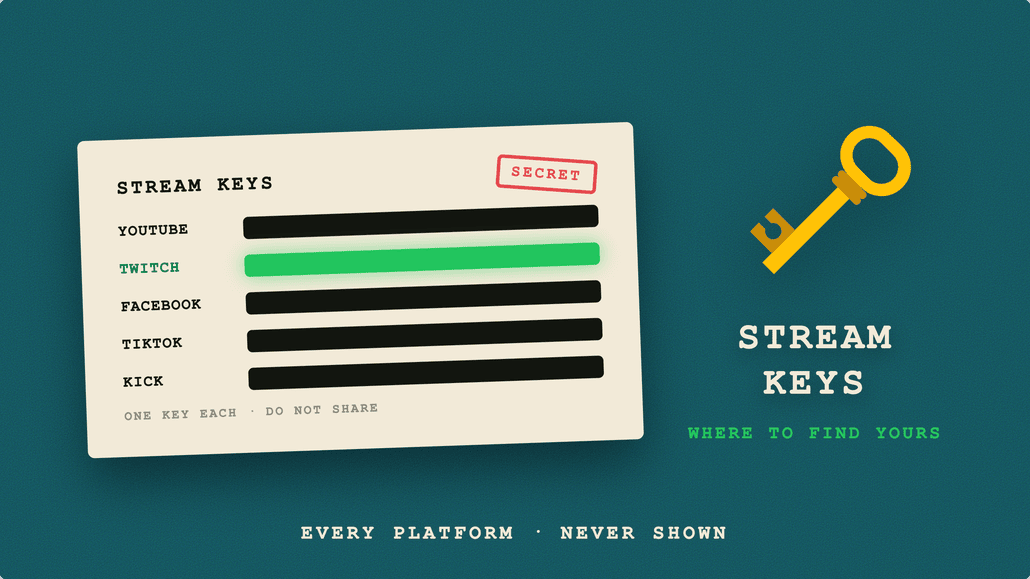
YOUR_STREAM_KEY) is the secret token that identifies your specific channel and authorizes the broadcast.
Some encoders split these into two separate fields (a "Server" box and a "Stream Key" box), and others want the whole thing as one line. Either way, they combine into the same address. Because the stream key is effectively a password for your channel, anyone who gets it can broadcast to your stream, which is why you keep it private and rotate it if it leaks. There is a lot more to this in our guide to what a stream key is and how to keep it safe.
RTMP vs RTMPS: The Encryption Question
Plain RTMP sends everything, including your stream key, in the clear. On an untrusted network that is a real risk. RTMPS solves this: it is RTMP wrapped in a TLS layer, exactly the way HTTPS is HTTP wrapped in TLS.
| RTMP | RTMPS | |
|---|---|---|
| Encryption | None | TLS (same as HTTPS) |
| Typical port | 1935 | 443 |
| Stream key exposure | Sent in the clear | Encrypted in transit |
| Firewall friendliness | Can be blocked | Usually passes as HTTPS |
| When to use | Trusted local network | Public or restrictive networks |
If your platform offers an RTMPS endpoint, prefer it. Beyond the security benefit, RTMPS on port 443 tends to slip through corporate and venue firewalls that block the RTMP default port 1935, since 443 looks like ordinary web traffic.
How RTMP Works Under the Hood
You do not need to know the wire format to stream, but a high-level picture helps when things go wrong. An RTMP session has two stages.
The handshake
Before any video flows, the client and server perform a three-step handshake. Each side sends a chunk of bytes (historically called C0/C1/C2 from the client and S0/S1/S2 from the server), they exchange timestamps and random data, and they confirm the connection is live and synchronized. Only after the handshake succeeds does the encoder start publishing.
Chunks and streams
Once connected, RTMP does not send the video as one giant blob. It slices audio, video, and control data into small chunks (128 bytes by default, though most encoders and servers immediately negotiate a larger size such as 4 KB) and interleaves them over the single TCP connection. Each chunk is tagged so the server can reassemble the separate audio and video streams in the right order. This chunking is what lets RTMP keep latency low: the server can start processing media almost as soon as chunks arrive, rather than waiting for a big buffer to fill.
Because it all rides on one ordered TCP connection, RTMP is simple and predictable, which is a large part of why it has been so dependable for so long.
Where RTMP Is Used Today
In 2026, RTMP is the connective tissue of the ingest stage. You will find it in:
- Software encoders: OBS Studio, vMix, Wirecast, and Streamlabs all default to RTMP output. Dialing in your encoder still matters, and our best OBS settings for 1080p guide walks through the bitrate and keyframe values that pair well with RTMP ingest.
- Hardware encoders: standalone boxes from Teradek, LiveU, Blackmagic, and others push RTMP straight to a server with no computer in the loop.
- Platform ingest: YouTube, Twitch, Facebook, LinkedIn, and effectively every social platform publish an RTMP (or RTMPS) ingest URL as their primary way in.
- Restreaming and multistreaming: servers take a single RTMP ingest and forward it out as RTMP to multiple destinations at once. That is exactly how Livepush multistreaming sends one broadcast to several platforms simultaneously.
RTMP's Limitations (and What It Hands Off To)
RTMP is reliable, but it is not magic, and it is not the right tool for every stage of the pipeline.
- TCP recovers losses the wrong way for live media. RTMP rides on TCP, which retransmits every lost packet and holds everything behind it until the gap is filled. TCP has no concept of "this is live, skip it and catch up." On a lossy connection (cellular, congested venue Wi-Fi, satellite), TCP retransmissions pile up, the buffer drains, and the stream stalls or disconnects. This is where SRT shines: it runs over UDP and adds its own retransmission and error correction tuned for live video. Our RTMP vs SRT vs HLS comparison breaks down exactly when to switch.
- It cannot deliver to modern browsers. With Flash gone, no browser plays RTMP natively. To reach viewers, the server must repackage the RTMP ingest into HLS (or DASH) segments that browsers, phones, and smart TVs can play.
- Latency is low but not the lowest. RTMP ingest itself adds only 1 to 3 seconds, but the HLS delivery layer on top typically adds more. For sub-second interactive use cases, WebRTC is the tool, not RTMP.
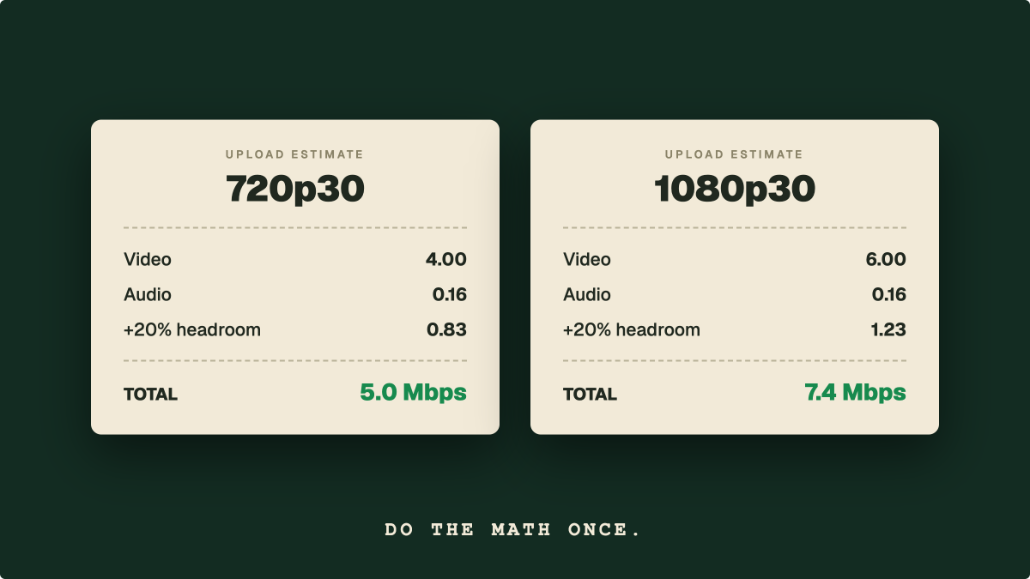
- Bandwidth headroom matters. RTMP will happily try to push whatever bitrate you set, so an upload connection that cannot sustain it leads to dropped frames. Sizing your bitrate to your connection is covered in our live streaming bandwidth guide.
The takeaway: RTMP is excellent at one job (getting a stream from a stable encoder to a server) and it hands off to other protocols for the jobs it was never meant to do.
How Livepush Uses RTMP Ingest
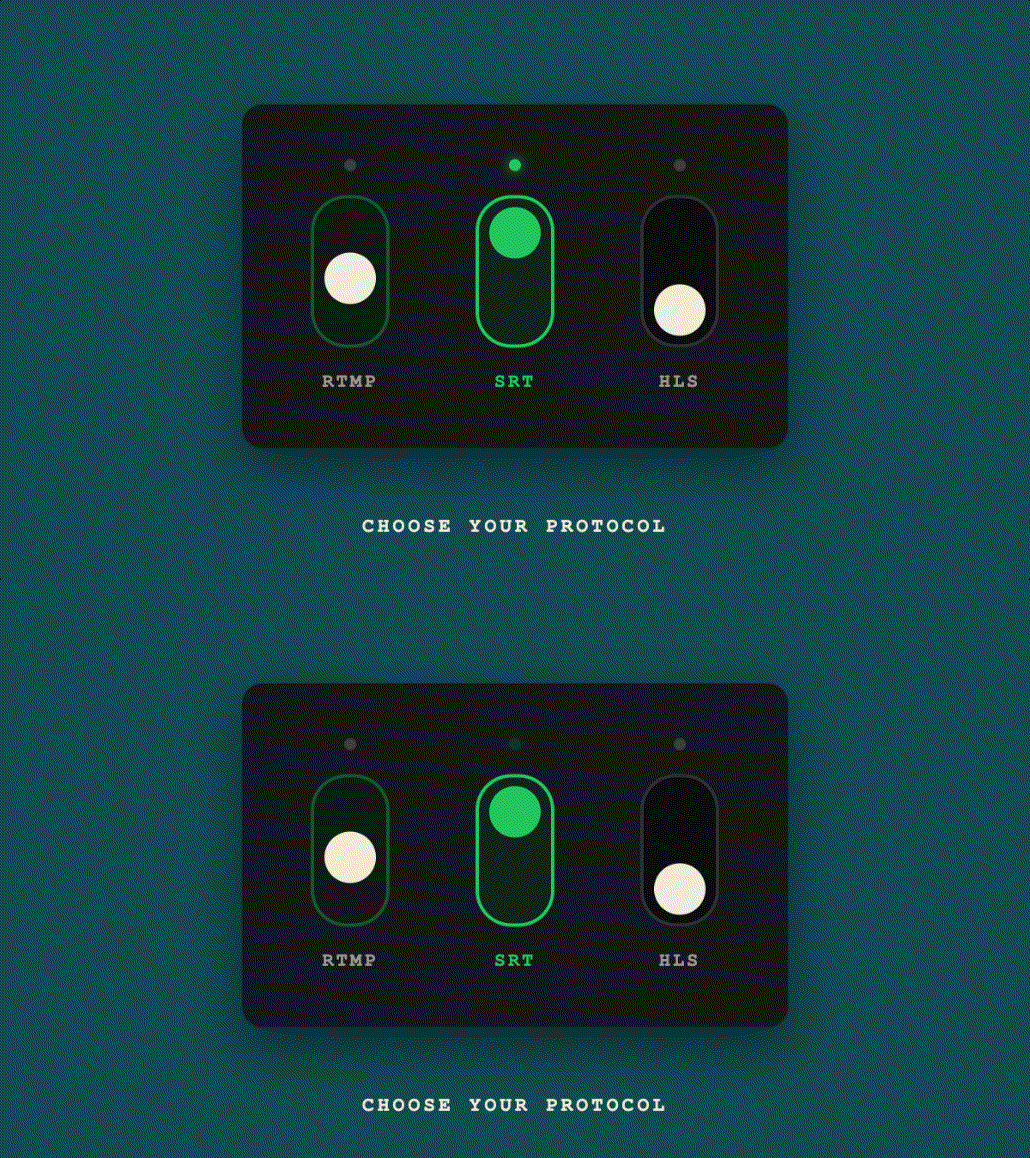
Livepush accepts RTMP as its primary ingest format (with SRT as the alternative for unreliable links), so any encoder you already own works out of the box. Point OBS or a hardware encoder at your Livepush RTMP server URL, add your stream key, and you are live. From there Livepush does the handoff RTMP cannot: it repackages your feed into HLS for playback in any browser, phone, or TV, and it can forward the same RTMP feed on to YouTube, Facebook, Twitch, and other destinations at once.
For most creators, the practical setup is simple: stream RTMP from OBS on a stable broadband connection, let Livepush handle HLS delivery to viewers, and switch to SRT only if you are broadcasting from a venue or cellular link where packet loss becomes a problem.
The Bottom Line
RTMP is a two-decade-old protocol built for a plugin that no longer exists, and it is still the default way live video enters a streaming pipeline. It survived because its ingest role (a simple, reliable, universally supported way to push video from an encoder to a server over TCP) had no reason to be replaced. Flash's playback layer gave way to HLS, SRT arrived for unreliable networks, and WebRTC covers the ultra-low-latency edge, but RTMP kept the middle of the road. Understand the RTMP URL, use RTMPS when you can, and know when to hand off to SRT or HLS, and you understand most of how modern live streaming actually works.
RTMP & SRT ingest, included free
Livepush accepts RTMP and SRT from OBS, vMix, Wirecast, and any encoder.