You stream at 1080p60, a clean 6,000 Kbps out of OBS. Meanwhile, one of your viewers is on a train, phone in hand, signal flickering between two bars and none. They're watching you right now, at 480p, without a single buffer wheel. Here's the question worth sitting with: you never made a 480p version of your stream. So who did?
The answer is transcoding, and it is quietly the hardest-working process in live streaming. It's the word behind "transcoding minutes" on your dashboard, the reason platforms re-encode the stream you so carefully tuned, and the reason a viewer on hotel Wi-Fi and a viewer on fiber can watch the same broadcast at the same time. This guide explains what is transcoding, how it differs from encoding, why live streams can't survive without it, and what actually happens to your stream between your encoder and your audience.
Encoding vs Transcoding vs Transmuxing (Plain Words First)
These three terms get mixed together constantly, so let's separate them with a kitchen analogy.
Encoding is cooking the meal. You start with raw ingredients (uncompressed video off your camera or game capture, which is absurdly large) and turn them into something servable: a compressed stream at a chosen codec, resolution, and bitrate. This happens once, on your machine.
Transcoding is taking that finished dish and re-plating it for different diners: a smaller portion here, a version without the spice there. Technically, a transcoder decodes your compressed stream back into pictures, then encodes it again with different settings, a different resolution, bitrate, or even a different codec. It's a full decode-and-recook, and it takes real computing power.
Transmuxing (also called repackaging) is just changing the container the food travels in, takeout box instead of a plate. The video and audio data inside stay byte-for-byte identical; only the wrapper and delivery format change, like turning an incoming RTMP stream into HLS segments. It's cheap and fast because nothing is re-compressed.
| Term | What changes | Everyday example |
|---|---|---|
| Encoding | Raw video becomes compressed video | Cooking raw ingredients into a dish |
| Transcoding | Compressed video becomes different compressed video (new resolution, bitrate, or codec) | Re-plating the dish in different portions for different diners |
| Transmuxing | Only the container/packaging format | Moving the same dish into a takeout box |
Why the distinction matters: encoding and transmuxing each happen roughly once and cheaply. Transcoding is the step that multiplies work, and cost, because it usually means producing several new versions of your stream simultaneously, in real time, for as long as you're live.
Why Live Streams Need Transcoding at All
If every viewer had your exact connection and device, transcoding would barely exist. They don't, so platforms lean on it for three jobs.
One stream in, many renditions out (the ABR ladder)
You send one stream. Viewers watch on gigabit fiber, on cafe Wi-Fi, and on one bar of mobile signal. A single 6,000 Kbps stream would be flawless for the first viewer and unwatchable for the third.
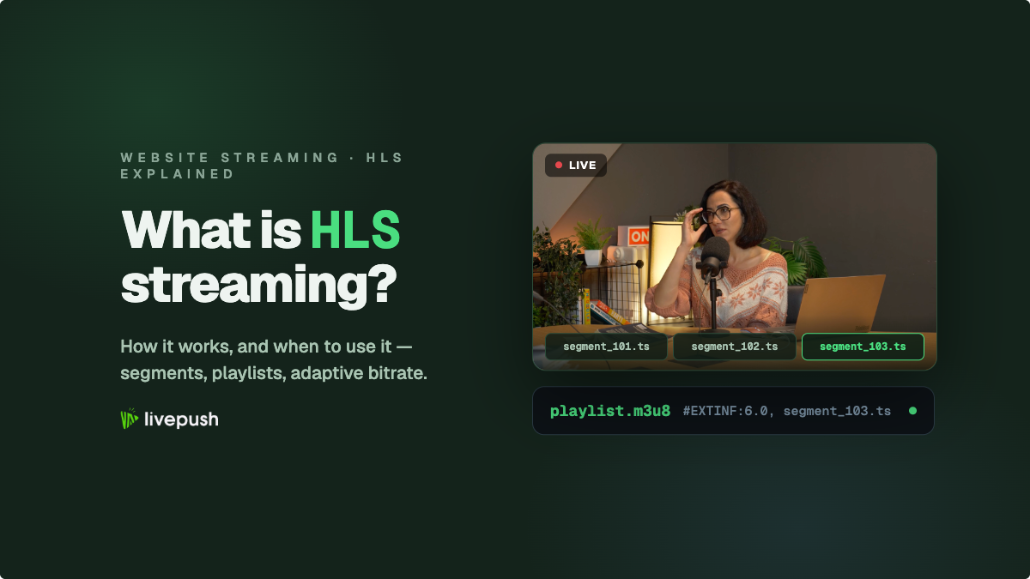
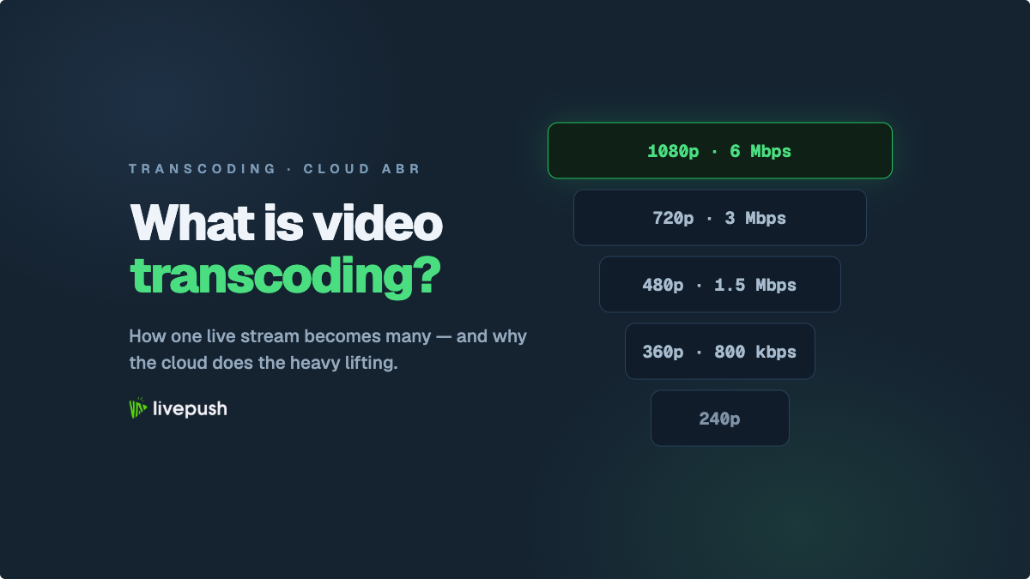
So the platform transcodes your single ingest into a ladder of renditions: perhaps 1080p at 6,000 Kbps, 720p at 3,000, 480p at 1,500, 360p at 800. Each viewer's player measures its own connection and picks the best rung it can sustain, switching up or down as conditions change. That's adaptive bitrate (ABR) streaming, and it's the reason your train-riding viewer got a 480p version you never made. The delivery side of this, how those renditions are chopped into segments and served, is the job of HLS, which we cover in the HLS streaming guide.
Codec conversion
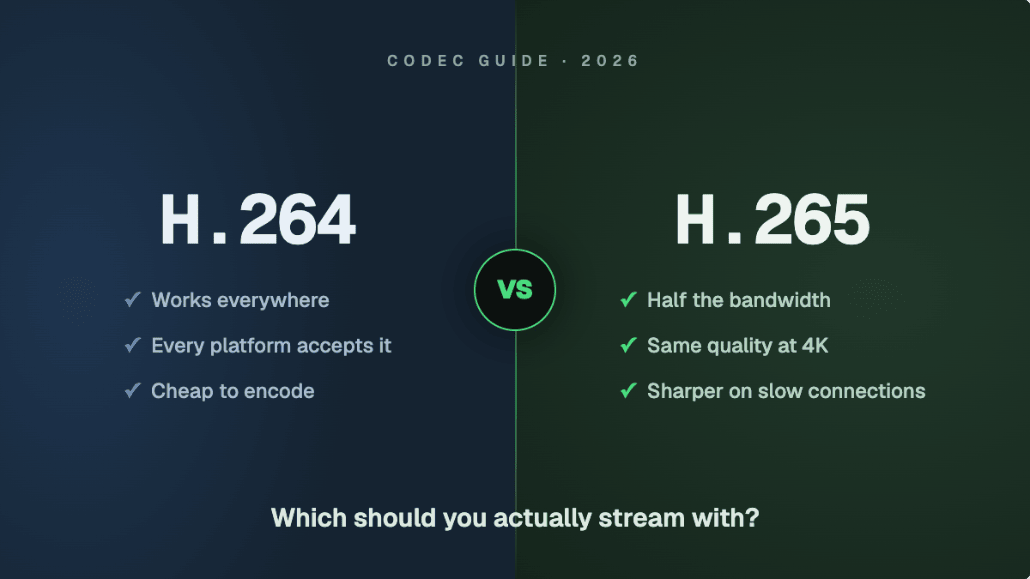
Sometimes what arrives isn't what viewers' devices can play. Suppose you send an HEVC (H.265) stream because your GPU encodes it beautifully, but a chunk of your audience is on older devices or a destination platform that only handles H.264. The transcoder converts: HEVC in, H.264 out. Same picture, different compression language. Which codec you should send in the first place is its own decision with its own trade-offs, and our H.264 vs H.265 comparison owns that question in full.
Container and protocol repackaging
Your encoder speaks RTMP or SRT, protocols built for getting a stream to a server reliably. Browsers and phones don't play RTMP; they play HLS or DASH, formats built for delivering video from servers at scale. So the pipeline repackages: RTMP in, HLS out. Strictly speaking this part is transmuxing rather than transcoding, but in practice they run together in the same pipeline, which is why dashboards often bill them under one "transcoding" umbrella.
Where Does Transcoding Happen? (Your Encoder vs the Cloud)
The first encode is yours. OBS, vMix, a hardware encoder, a phone app: something on your side compresses the raw source once and sends it. Everything after that, every rendition, conversion, and repackage, happens on servers.
Could you build the ladder yourself and upload every rendition? Technically yes, and Twitch's Enhanced Broadcasting does a version of this with modern GPUs. But for most streamers the math is brutal:
- CPU/GPU cost: each rendition is a full extra real-time encode. Five renditions means your machine encodes five streams simultaneously while also, presumably, running your game or production.
- Upload cost: five renditions means roughly five streams' worth of upload bandwidth, every second you're live. The connection that comfortably carries one 6,000 Kbps stream does not carry 12,000+ Kbps of ladder.
Server-side transcoding flips both problems. You send one good stream, the best your connection supports, and machines built for this work fan it out into everything else. Your upload requirement stays at one stream, your PC encodes once, and the expensive multiplication happens where compute is abundant.
Since the server makes every downstream version from your one stream, your job is simple: send the single best stream your connection can sustain, and let the transcoder handle the rest. Don't try to pre-shrink your stream "to help", you'd only lower the ceiling.
Does Transcoding Reduce Quality? The Honest Answer
Yes, a little, every time. Lossy compression works by discarding detail the eye is least likely to miss, and each generation discards a bit more. Your stream is compressed at least twice before a viewer sees it: once by your encoder, once by the platform's transcoder. A photocopy of a photocopy is never sharper than the original.
Three things keep this honest rather than alarming:
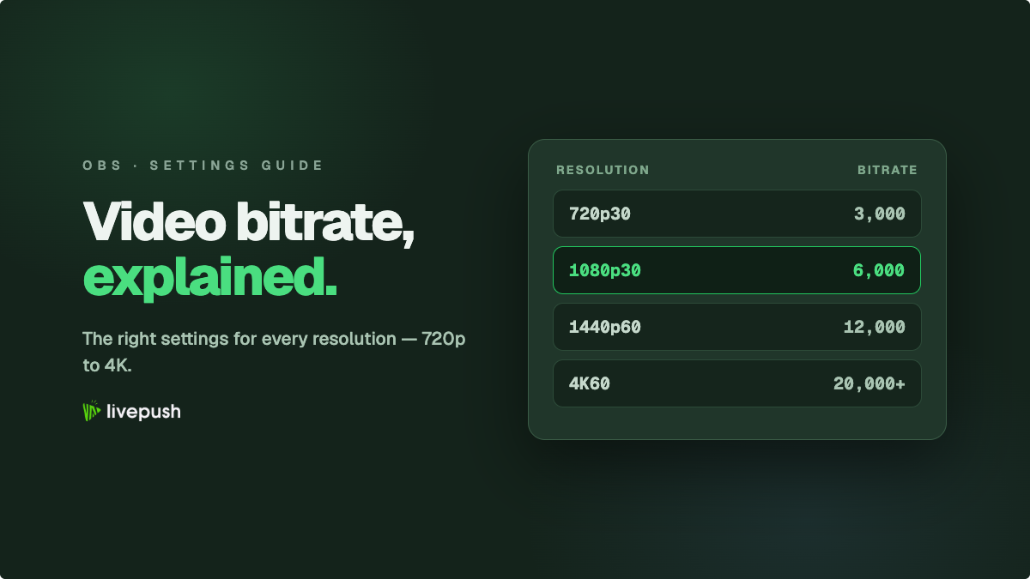
- The loss per generation is small when the source is healthy. A well-fed 6,000 Kbps 1080p stream survives a platform transcode looking very close to what you sent. A starved 2,500 Kbps stream goes in mushy and comes out mushier. Garbage in, slightly worse garbage out. This is why video bitrate is the setting that matters most on your side.
- Your outgoing stream is the ceiling. No transcoder can add detail you didn't send. Renditions can only preserve, never improve. (One quirky exception in spirit: some platforms assign better codecs to higher-resolution ingests, which our high definition streaming guide explains.)
- The alternative is worse. A viewer forced to buffer a too-big stream has 0% of your quality. A viewer watching a clean 480p transcode has most of it. Transcoding trades a sliver of fidelity for the ability to reach everyone.
So the practical answer to "does transcoding hurt my stream": not meaningfully, if you feed it well. The streams that look bad after transcoding almost always looked marginal before it.
Why Transcoding Costs Money (and Shows Up on Your Bill)
Here's the part dashboards make visible: "transcoding minutes", rendition limits, quality tiers behind paywalls. There's a straightforward reason.
Of everything a streaming platform does, moving bytes is relatively cheap and re-encoding video is expensive. Real-time transcoding means dedicated CPU or GPU capacity running flat-out for every minute of every live stream, multiplied by every rung of the ladder. Ingest and delivery scale gently; transcode compute scales with (streams × renditions × minutes), and it's the dominant infrastructure cost in most live pipelines.
That's why the economics leak into your experience as a streamer:
- Some platforms only transcode certain channels (Twitch historically guaranteed full quality options for Partners; smaller channels sometimes get "source only", meaning viewers either handle your full bitrate or don't watch).
- Services price plans by transcoding minutes or by how many renditions you get.
- "Passthrough" or relay-only modes cost less than transcoded modes, because forwarding your bytes untouched skips the expensive step.
None of this is a scam; it's the physics of the bill. When you see transcoding as a line item, you're seeing the actual hard part of streaming infrastructure priced honestly.
What Cloud Transcoding Looks Like in Practice (Livepush)
"Cloud transcoding" is exactly what it sounds like: the transcode work described above, running on a provider's servers instead of anyone's PC. Here's what that means concretely when a stream lands on Livepush.
You send one RTMP or SRT stream. Livepush cloud transcoding then does up to three jobs with it, depending on what your setup needs:
- Renditions for playback: for streams delivered to viewers through a hosted player, the incoming feed is transcoded into an ABR ladder so the player can adapt to each viewer's connection.
- Repackaging for delivery: the RTMP/SRT ingest is repackaged into HLS for browser and mobile playback, the transmuxing half of the pipeline.
- Codec and bitrate normalization for destinations: when you use multistreaming to reach several platforms at once, destinations disagree: one caps bitrate at 4,000 Kbps, another only accepts H.264, a third happily takes your HEVC feed. Transcoding re-encodes per destination so a single high-quality stream can satisfy all of them, without your PC encoding anything twice.
The light-touch honesty: if all your destinations accept your stream as-is, pure relay (no transcode) is the better deal, cheaper and with zero generational loss. Transcoding earns its cost the moment destinations or viewers need something different from what you sent. Good infrastructure uses it where it helps and skips it where it doesn't.
The Bottom Line
Video transcoding is the invisible translation layer of live streaming: your one stream goes in, and a family of versions comes out, sized, formatted, and encoded for every screen and connection watching you. Encoding is your half of the deal, done once on your machine. Transcoding is the platform's half, done continuously on servers, and it's the expensive, compute-hungry step that makes "just works on any device" possible.
Your job as a streamer reduces to one thing: deliver the best single source you can. Get the bitrate right, pick the codec your destinations actually accept, keep the connection stable, and let the cloud do the multiplication. The viewer on the train never needs to know how their 480p version got made. Now you do.
RTMP & SRT ingest, included free
Livepush accepts RTMP and SRT from OBS, vMix, Wirecast, and any encoder.