Nobody plans to become their family's streaming technician, and if you're reading this, it's probably been a hard week. So this guide is short, calm, and organized so you can act on it in a day or two, which is usually all the notice there is.
The purpose of streaming a funeral is simple and worth holding onto: some of the people who loved the person cannot be in the room. A parent's oldest friend who no longer travels, family overseas waiting on visas that won't come in time, a colleague in a hospital bed. The stream is for them. It doesn't need to be polished. It needs to work, to be private, and to be quietly done.
First: Ask the Funeral Home
Before arranging anything yourself, ask the funeral director one question: "Do you offer live streaming?" Many funeral homes now do, often with a discreet camera already installed in the chapel, and some churches have streaming setups from their Sunday services that they will gladly use for you. If the answer is yes, take it, ask them for the private link, and skip to the section on sharing it. Removing this task from your list is worth more than any technical improvement you could make on your own.
If the answer is no, or the service is at a graveside or a family home, the rest of this guide has you covered.
A Setup You Can Arrange in a Day
You need four things: a phone or camera on a tripod, a way for it to hear clearly, an internet connection at the venue, and a private place for people to watch. Here is how each one looks in practice.
Camera. A recent smartphone on a tripod is fully sufficient and has the advantage of being unremarkable in the room. Place it at the back or along a side wall, framed on the lectern and casket or ceremony area, wide enough that nobody has to adjust it during the service. Plug it into a power bank. Set it up, frame it, and then leave it alone; a static, steady shot is exactly right for this occasion. If a family member has a camcorder and a laptop with OBS, that works too (the wedding version of this guide describes that setup), but do not feel any pressure toward it.
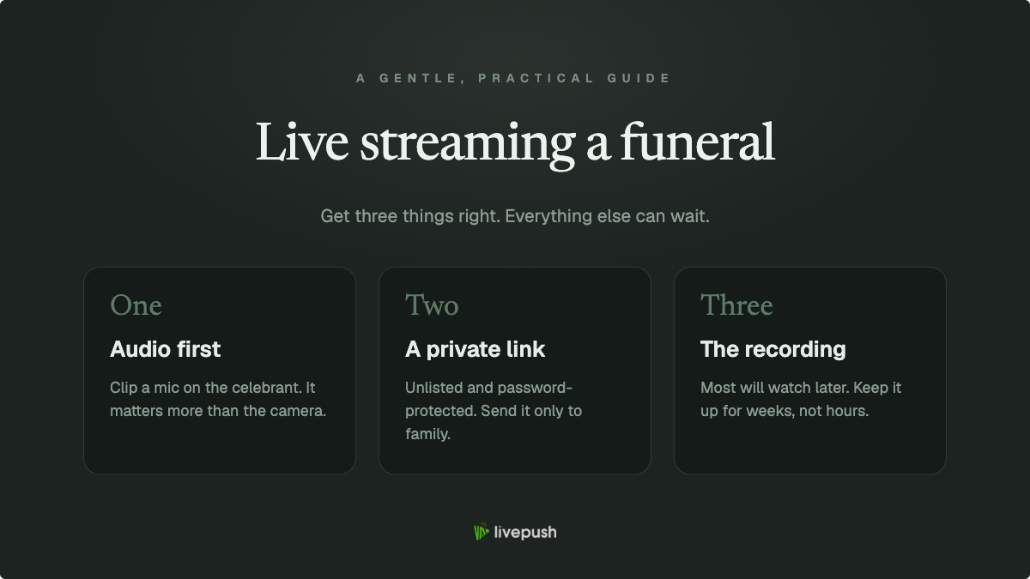
Audio. This is the one place to spend a little effort, because remote attendees can forgive a distant picture but not inaudible eulogies. A $20-30 lavalier microphone clipped to the lectern, or a phone placed close to where people will speak, transforms the stream. If the venue has a PA system, ask whether you can place the phone or mic near a speaker. Test by having someone speak from the lectern while you listen to the actual stream on headphones from the back of the room.
Connection. Chapels and gravesides are unpredictable for signal. Visit beforehand if you can, or arrive very early, and run a speed test where the camera will stand. A stable 720p stream at 3,000 to 4,000 kbps needs only about 4 to 6 Mbps of upload (keep the bitrate at or below about 70% of what the speed test shows), which a decent 4G/5G signal provides; if the connection is weak, choose a lower quality on purpose and it will hold. The bandwidth guide explains how to check in two minutes.
A private place to watch. Covered next, because it deserves its own section.
Keeping It Private and Dignified
A funeral stream should feel like being let in, not like content. There are three levels of privacy, and the table is honest about the trade-offs:
| Option | Privacy level | What viewers experience |
|---|---|---|
| Unlisted YouTube link | Low: anyone with the link can watch, links get forwarded | YouTube's player, with its branding and interface (and phone streaming needs a channel with 50+ subscribers) |
| Private memorial page with embedded player | Medium: the page address is only shared with invitees | A simple page with the service, no platform clutter |
| Password-protected embedded player | High: requires the link and a password | The same simple page, with a gate only invitees pass |
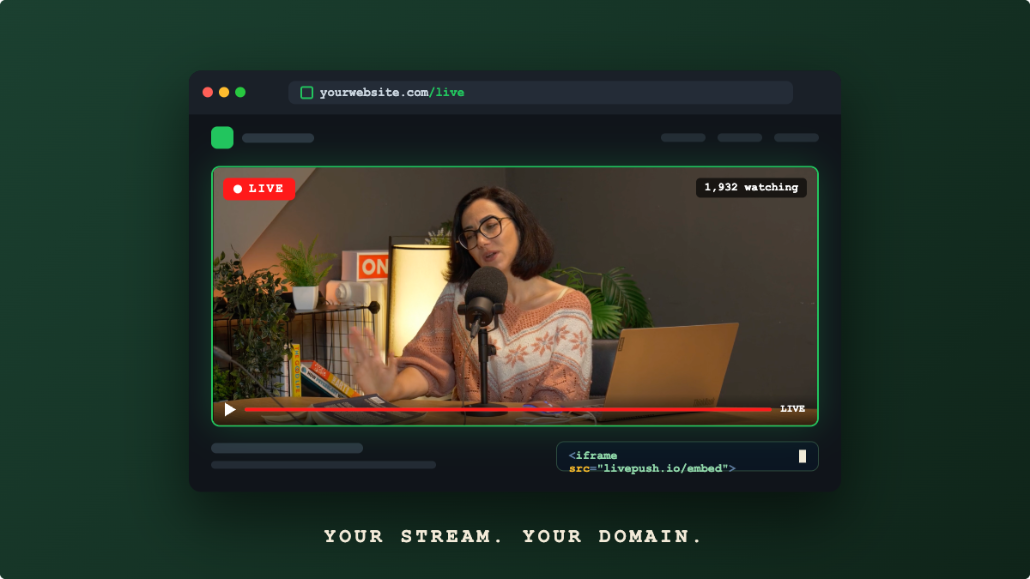
The third option is what we'd gently recommend, and it is less technical than it sounds. With Livepush website streaming, every stream comes with a player you can embed in a simple web page: a page with the person's name, the order of service, and the video, nothing else. Turn on password protection in the player's access settings, and share the page link and password together in the service announcement. People who receive it can watch; the wider internet cannot.
However you share it, include three things in the message: the link, the password if there is one, and the start time written out for each time zone your family spans. In the moment, that last detail is a real kindness.
If it helps to have words ready, an announcement can be as simple as this:
The service for [name] will be held on [date] at [time] at [venue]. For family and friends who cannot join us in person, the service will be streamed live at [link] (password: [password]). The stream begins at [time], which is [time] in [other time zone]. A recording will remain available at the same page afterward for those who cannot watch live.
That last sentence quietly removes pressure from everyone in a hospital ward, a night shift, or a distant time zone, and it costs nothing to include.
Gravesides and Other Outdoor Services
A committal at the graveside is the hardest part of the day to stream, and also one of the most requested by distant family, so it deserves its own notes.
There is no power, so bring a fully charged phone and a power bank, and no Wi-Fi, so everything rides on cellular signal: check the bars at the cemetery beforehand if you possibly can, and choose 720p or lower so the stream holds on a modest connection. Wind is the enemy of outdoor audio; a small foam windscreen on a lavalier mic (a few dollars online) makes the difference between words and noise, and placing the mic or phone close to the officiant matters even more than indoors, since there are no walls to help the sound. Hold the phone steady or use a small tripod, stand at a respectful distance to the side, and frame wide.
If the signal simply isn't there, don't force it. Record the graveside portion locally on the phone instead, and add it to the private page alongside the service recording within the day. For faraway family, a recording that arrives a few hours later is a far better experience than a live stream that dissolves into frozen frames.
If the day spans two locations (a chapel service, then the graveside), treat them as two separate streams on the same private page rather than one continuous broadcast, and say so in the announcement: "the service streams at 11:00, the committal at approximately 12:30." Ending a stream and starting the next is one tap each, and the gap spares remote viewers twenty minutes of a car park.
During and After the Service
Before: the person running the stream (a friend or more distant relative, not a chief mourner) arrives an hour early, sets the frame, tests audio from the lectern, starts the stream fifteen minutes ahead with a simple holding view, and confirms on their own phone that the page plays.
During: nothing. That is the design. A static camera and a tested microphone need no operating, and the one job is a periodic glance at the stream on a second device to confirm it's still up. No zooming, no panning across the congregation, no chasing moments. The stream is a seat at the back, and it should behave like one.
After: let the stream run a few minutes past the end, then stop it. Then, the part that matters more than most people expect: the recording. Grief doesn't follow the service schedule; the recording will be watched by people who couldn't bear to watch live, people whose connection failed during the eulogy, and people who simply want to hear a voice again months from now. If you use cloud recording, the replay already exists the moment the stream ends; place it on the same private page, tell people it's there, and leave it up for at least a few months. If the service was streamed to Facebook, download the recording rather than relying on the replay there, because Facebook deletes live video replays 30 days after the broadcast. Some families also arrange a scheduled re-broadcast of the recording a day later at an hour that suits relatives overseas, so they can gather and watch together in their own evening.
A Short Word of Reassurance
If all you manage is a phone on a tripod, a clipped-on microphone, and a password-protected page shared with the family, you will have done this well. The people watching from far away will not be reviewing production quality; they will be grateful they could be present at all. That gratitude is the entire measure of success here, and it is very much within your reach.
Embed live video on your website
Every Livepush stream includes a white-label HLS player.