IPTV is one of those terms that means two different things depending on who is saying it. To a telecom engineer it is television delivered over a managed IP network, the kind of service phone companies have sold since the late 1990s. To most people searching for it today, it means an app that plays live TV channels from a playlist over the internet.
Both are real, and both deliver television as IP packets instead of a broadcast signal. This guide explains what IPTV is, how each version works, how IPTV differs from OTT, which kind of IPTV is legal, and how to run your own channel without building a TV network.
What Is IPTV?
IPTV (Internet Protocol Television) is television delivered over an IP network instead of over the air, by satellite, or through a traditional cable signal. The video is packed into IP packets, the same kind of data that carries web pages and email, and sent to a set-top box, smart TV, phone, or computer that turns it back into pictures.
The formal definition, from the ITU's IPTV focus group, adds a condition that matters: IPTV is multimedia delivered over IP networks that are managed to provide the required quality of service. In other words, classic IPTV is not "TV on the internet." It is TV on a private network the provider controls end to end.
That condition is why the word now has two meanings:
- Operator IPTV. A telecom or broadband provider runs live channels and video on demand over its own network to a set-top box. This is the IPTV in the standards documents.
- App-based "IPTV." A player app loads a list of channel addresses (usually an M3U playlist) and streams them over the public internet. Technically this is OTT delivery, but the IPTV label stuck.
How Operator IPTV Works
Operator IPTV is built like a cable network that happens to use IP:
- Head-end. Live channels arrive from broadcasters and satellites, get encoded, encrypted, and turned into IP streams in the provider's data center.
- Multicast for live TV. Each channel is sent once into the network as a multicast stream. When you change channel, your set-top box uses IGMP to leave one multicast group and join another. The network only carries a channel to the neighbourhoods where someone is watching it, which is how operators carry hundreds of channels without multiplying bandwidth.
- Unicast for video on demand. Films and catch-up TV are sent as individual one-to-one streams when you press play.
- Set-top box and guide. The box decodes the MPEG transport stream, shows the electronic programme guide (EPG), and handles the interactive menus.
Because the operator owns the pipe, it can reserve capacity for TV and guarantee picture quality. Services built this way include US West's TeleChoice, launched in Phoenix in 1998 over VDSL, BT Vision in the UK (now EE TV), Bell Fibe TV in Canada, and many fibre and DSL TV packages still sold across Europe and Asia.
How App-Based IPTV Works
The IPTV most people meet today is simpler and runs over any internet connection:
- A playlist. An M3U file lists channels, one entry per channel, each pointing to a stream URL. IPTV playlists usually add attributes such as
tvg-name,tvg-logo, andgroup-titleso the app can show names, logos, and categories. - The streams. Each URL is typically an HLS stream: an
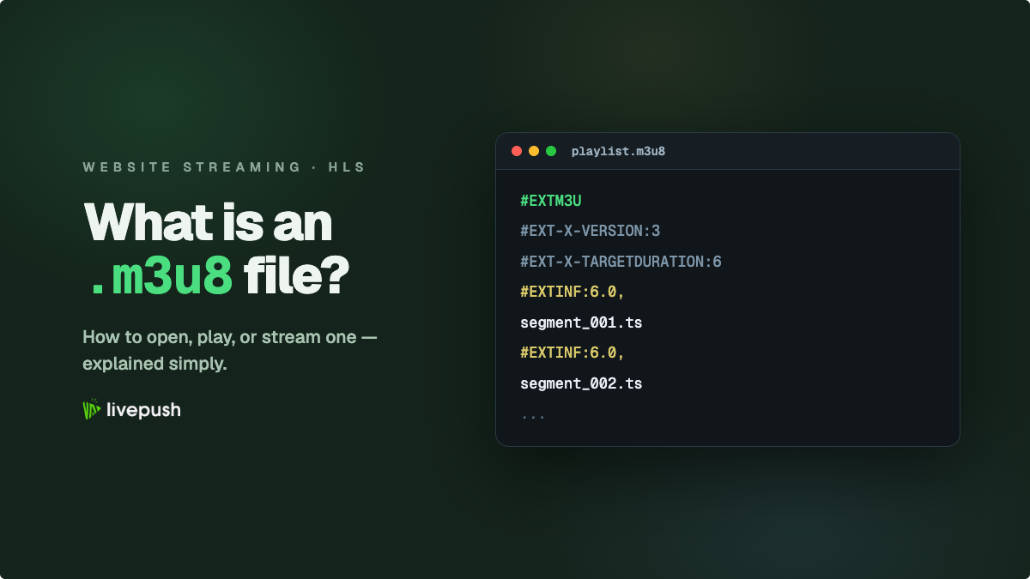
.m3u8playlist that points to short video segments the player downloads one after another. Our guide to what an M3U8 file is covers the format in detail. - A guide (optional). Programme information usually comes from an XMLTV file, an XML format with
channelandprogrammerecords that apps read to build an EPG grid. - The app. Smart TV apps, VLC, set-top boxes, and dedicated IPTV players read the playlist and guide and present them like a TV menu.
Nothing in this chain is managed end to end. Each viewer pulls the stream separately over the public internet, and quality depends on their connection and on the CDN serving the stream. That is OTT delivery in everything but name.
IPTV vs OTT: The Real Difference
OTT, or over-the-top, means video delivered directly to viewers over the public internet, on top of whatever connection they already have. Netflix, YouTube TV, Pluto TV, Tubi, and almost every streaming service you can name are OTT.
| Operator IPTV | OTT | |
|---|---|---|
| Network | Private, managed by the provider | Public internet |
| Live TV delivery | Multicast (one stream per channel per network segment) | Unicast HTTP streams (HLS, DASH) per viewer |
| Quality control | Guaranteed by the operator | Adaptive bitrate adjusts to each viewer's connection |
| Devices | Mostly the operator's set-top box | Any phone, browser, smart TV, or streaming stick |
| Who can launch a channel | The operator | Anyone with content and a streaming platform |
| Examples | EE TV (formerly BT Vision), Bell Fibe TV | Netflix, YouTube TV, Pluto TV, Tubi |
The short version: IPTV is about who controls the network, OTT is about going over the open internet. In practice the lines have blurred. Operators now ship OTT apps alongside their set-top boxes, and almost every new channel launched today, from a church service to a 24/7 music channel, is technically OTT even when its owner calls it IPTV.
Where FAST channels fit
FAST stands for free ad-supported streaming television: linear channels, with a schedule like traditional TV, that are free to watch and paid for by ads. Pluto TV and Tubi are the best-known examples. FAST channels are OTT. They matter here because they are the closest modern equivalent of "running a TV channel," and they are built from exactly the pieces described above: a playout schedule, an HLS stream, and a guide.
The Formats Behind IPTV and OTT Channels
Four formats come up again and again:
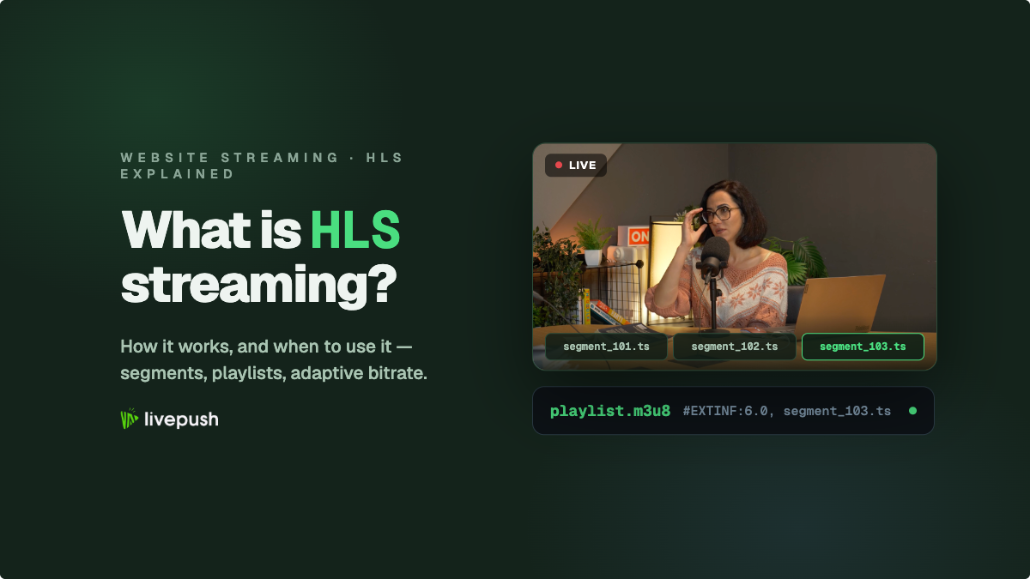
- HLS (HTTP Live Streaming). Apple's protocol, published as RFC 8216. A stream is split into short segments listed in an
.m3u8playlist, with several quality levels so players can adapt to the viewer's bandwidth. HLS plays on virtually every device. Our HLS streaming guide explains it in depth. - MPEG-DASH. The international standard (ISO/IEC 23009-1) alternative to HLS, using an
.mpdmanifest. Common on Android and smart TVs, less so on Apple devices. - M3U / M3U8. The playlist format. There is no formal M3U standard; it is a de facto text format dating back to the 1990s.
.m3u8simply means the file is UTF-8 encoded. - XMLTV. The usual format for programme guide data in app-based IPTV.
If you are comparing ingest and delivery protocols for your own channel, see RTMP vs SRT vs HLS.
Is IPTV Legal?
The technology is legal. Unlicensed channels are not. Telecom operators, broadcasters, FAST services, and thousands of organisations stream their own channels over IP legally every day.
What makes an IPTV service illegal is the content: retransmitting channels, films, or sports without a licence from the rights holders. The warning signs are familiar. Thousands of premium channels and every major sports package for a few dollars a month, payment through gift cards or crypto, and sellers who change domains every few weeks.
Rights holders pursue these services aggressively. On June 11, 2026, the Alliance for Creativity and Entertainment (ACE) announced a $9 million default judgment in the US District Court for the Middle District of Pennsylvania against the operator of several illegal IPTV services, including Beast Mode Live, which ACE said gave subscribers unauthorised access to more than 9,000 channels. In July 2026, Operation Offsides, a US-led action around the FIFA World Cup, seized more than 1,000 websites and blocked 1,970 domains, according to ACE.
There is also a risk to viewers. Studies commissioned by ACE and published in April 2026 found piracy websites in Latin America were on average more than 21 times riskier than legitimate sites, with threats including malware, phishing, and financial fraud. When an app asks you to sideload it and pay a stranger, your card details are part of the deal.
The rule of thumb: if you are watching, use services that hold the rights. If you are broadcasting, only stream content you own or have licensed.
How to Start Your Own IPTV Channel Today
You do not need a telecom network, a head-end, or multicast to run a channel. Everything a viewer sees as "a TV channel" can be delivered as an OTT stream from the cloud. A practical setup looks like this:
- Gather your content. Your own shows, recorded services, lectures, music videos, product demos, or anything you hold the rights to. Keep resolution and frame rate consistent across files so the channel does not stutter between videos.
- Build a playlist or schedule. Arrange videos into blocks, decide what loops overnight, and plan what airs at fixed times.
- Play it out from the cloud. A playout service streams the playlist as a continuous live channel, so no computer has to stay on at home or in the office.
- Deliver it as HLS. Viewers watch through an
.m3u8URL that works in apps, smart TVs, and players, with adaptive bitrate for weaker connections. - Put a player where your audience is. Embed the channel on your website, and send the same stream to YouTube, Facebook, or Twitch if you want reach on social platforms too.
- Go live when you need to. Switch from the playlist to a live feed from OBS, vMix, or a hardware encoder for events, then return to the schedule.
Running a channel with Livepush
Livepush is built for exactly this kind of channel. You upload MP4 or MOV files, arrange them into playlists, schedule shows for specific times, and loop blocks for as long as you like. Playout runs on Livepush servers, so you can switch your computer off, and live input comes in over RTMP or SRT from any encoder when you want to break into the schedule.
Where the channel goes depends on the plan:
- On social platforms. The Creators plan and above run a 24/7 channel from a playlist and send it to YouTube, Facebook, Twitch, Kick, and 40+ other destinations.
- On your own website and apps. Live event hosting plans add a standards-compliant HLS (
.m3u8) URL with adaptive bitrate renditions for apps and smart TVs, an ad-free HTML5 player you embed with an iframe, and Akamai CDN delivery. The Studio plan includes a 24/7 channel with SRT output and your logo on the player.
Compare the options on the social streaming pricing and live stream hosting pricing pages. Read the 24/7 live streaming setup guide for the step-by-step version, or see how video looping keeps a playlist on air indefinitely. If you would rather play existing recordings as live events instead of a full channel, streaming pre-recorded video as live covers that workflow.
IPTV, Summed Up
IPTV is television over IP. In its original sense it means a managed operator network with multicast and a set-top box; in everyday use it also means apps that play channels from M3U playlists over the internet, which is really OTT. The technology is legal, while unlicensed channel bundles are not. And if you want your own channel, you do not need an operator's network: a cloud playout service, an HLS stream, and a player on your website will put a 24/7 channel in front of viewers on any device.
Run a 24/7 live channel
Livepush loops your playlist indefinitely, with no computer running.