Most Twitch streams have almost nobody watching. A popular category can have thousands of live channels at once, and a new stream with no audience is hard to find among them. That is the real problem behind "how do I get more viewers on Twitch": not your overlay or your webcam, but being found in the first place and giving people a reason to stay.
This guide covers what works in 2026: choosing where you appear, making your stream readable from the directory, keeping the people who arrive, growing through other streamers, getting discovered off Twitch with clips and vertical video, and multistreaming without breaking Twitch's rules.
Why Twitch Is Hard to Grow On
Twitch is built around live browsing. Viewers open a category and see a grid of live channels, sorted by default as Recommended For You, with the option to sort by viewer count. Either way, you are competing with every other channel live in that category at the same moment. A stream with two viewers in a category with thousands of live channels is easy to miss.
That shapes every tactic below. You have two ways in:
- Be visible inside Twitch: pick categories where you can rank near the top, look interesting at a glance, and get pushed by other streamers through raids and collaborations.
- Bring people from outside Twitch: clips, shorts, YouTube, social posts, and communities where your audience already spends time.
Most streamers who grow do both.
1. Pick Categories You Can Actually Be Seen In
The most popular categories are the hardest place to start. Before you go live, open the category you plan to stream and scroll. If you would be sitting below hundreds of channels, consider:
- Smaller games or niches where your stream would appear in the first few rows.
- New releases in the first days, before the category fills with established streamers.
- Non-gaming categories such as Just Chatting sub-niches, Art, Music, Software and Game Development, Makers and Crafting, or Science and Technology, if your content fits.
You do not need to abandon the game you love. Many streamers run their main game on some days and a smaller category on others, then bring the audience they find there back to their regular schedule.
2. Make Your Stream Readable From the Directory
Your stream has about one second to earn a click. Three things do the work:
- Title. Say what is happening now, specifically. "First blind run, no deaths so far" beats "Chill stream, come hang." Twitch's Creator Camp recommends titles that are goal-oriented and exciting.
- Tags. Add up to 10 custom tags in Stream Manager, Edit Stream Info, each up to 25 characters with no spaces (use capitals for multi-word tags, such as IndieGame). The category tag is added for you. Twitch recommends changing tags each time you go live, and your channel insights show which tags viewers filtered by to find you.
- Thumbnail moment. The directory shows a live preview. If the screen is a static "starting soon" card for ten minutes, that is what people see. Start with something happening on screen.
Set your stream schedule in the Creator Dashboard settings as well. It appears on your channel and lets visitors know when to come back, and Twitch lets you sync it with Google Calendar.
3. Stream Consistently
Twitch's own guidance is blunt: viewers prefer content they can count on. A schedule of three fixed evenings a week will usually beat seven random streams, because returning viewers know when to find you.
A few practical rules:
- Fewer, regular streams over many unpredictable ones. Even a few hours a week works if it is on the same days.
- Stream long enough to be found. Very short streams leave little time for people browsing the directory to land on you.
- Do not cancel quietly. If you skip a slot, say so on your channel and socials so regulars do not show up to an offline page.
4. Keep the Viewers Who Arrive
Getting a click is half the job. Holding it is the other half.
- Talk to chat, even an empty one. New viewers often watch silently for a minute before deciding. A stream that narrates what is happening feels alive; a silent one feels like a recording.
- Use the first and last 15 minutes. Twitch's Creator Camp notes viewers are most engaged at the start and end of a stream, which makes those the moments for welcomes, plans for the stream, and calls to follow.
- Fix audio before video. Viewers forgive a soft webcam faster than clipping, echo, or a game drowning out your voice.
- Use the interactive tools. Polls, predictions, and channel points give lurkers a low-effort way to take part. Twitch reports more chat participation on channels that use them.
- Keep the stream smooth. Dropped frames and buffering send people away. If you see either, our dropped frames fix and buffering guide cover the causes, and the 1080p OBS settings guide gives a safe starting profile.
5. Grow Through Other Streamers
Other creators are the fastest legitimate source of new viewers on Twitch.
- Raids. At the end of your stream, send your viewers to another channel from Stream Manager or by typing
/raid channelname. Raiding builds relationships, and streamers you raid often return the favour. Pre-roll ads do not play for incoming raiders, so they land straight in the stream. - Stream Together. Twitch's collaboration feature puts several streamers in one broadcast with a shared chat, so each audience sees the others. Twitch says collaborations tend to lift average view counts.
- Communities. Twitch runs creator programmes such as Unity Guilds, and most games and niches have Discord servers where streamers support each other. Show up as a viewer and chatter first, not just as someone dropping links.
Choose partners close to your size and in a related niche. Their viewers are more likely to enjoy your stream than an audience ten times bigger watching something unrelated.
6. Get Discovered Off Twitch With Clips and Vertical Video
This is where most growth comes from in 2026. Short vertical video on YouTube Shorts, TikTok, and Instagram Reels reaches people who would never browse a Twitch category.
- Turn on clips and make them yourself. After each stream, cut the two or three best moments: a funny exchange, a clutch play, a useful tip. Do not wait for viewers to clip you.
- Edit for vertical. A 16:9 gameplay clip squeezed into a phone screen loses most viewers. Reframe with your face cam on top and the action below, add captions, and get to the point in the first two seconds.
- Post on a rhythm. One clip a day across Shorts, TikTok, and Reels compounds faster than a burst of ten once a month.
- Point people back to your schedule. Put your Twitch name and stream times in profiles and pinned comments.
Stream vertical and horizontal at once
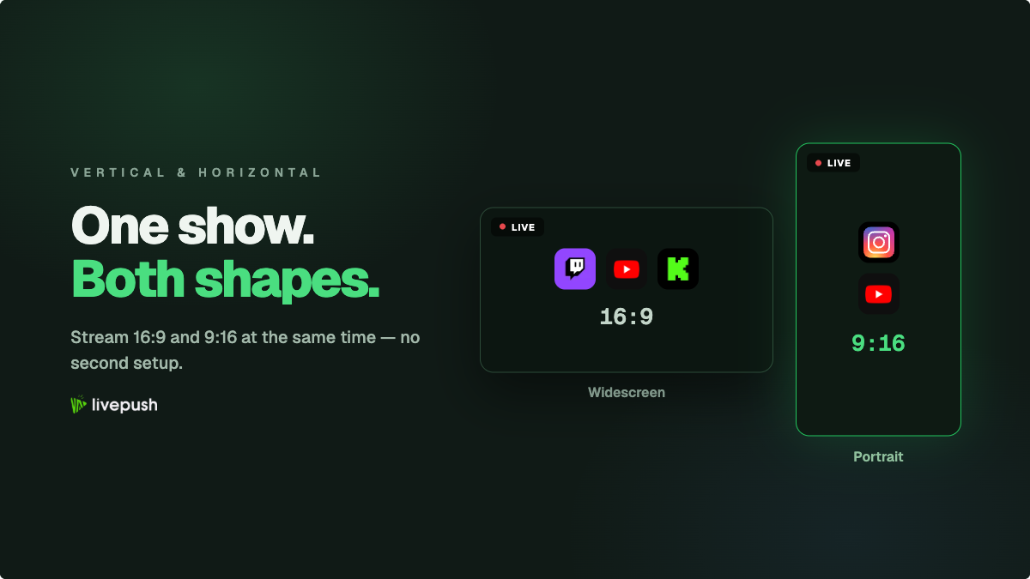
Twitch's Dual Format lets you broadcast horizontal and vertical versions of the same stream simultaneously using Enhanced Broadcasting, without running two separate streams. Twitch says 70% of new viewers come to Twitch on mobile, so a proper vertical version matters. Our guide to streaming vertical and horizontal at the same time covers the OBS setup for Twitch, YouTube, and TikTok.
7. Multistream to Reach More People, Within Twitch's Rules
Streaming to Twitch, YouTube, Kick, and TikTok at the same time puts your live content in front of several audiences at once. YouTube in particular is searchable long after the stream ends, and short-form discovery on TikTok can feed people into your live sessions.
Twitch allows this. Since October 2023 its Simulcasting Guidelines let you stream to other services, with conditions:
- No degraded Twitch stream. Twitch's example of a violation is shrinking or otherwise lowering the video quality on Twitch so it is worse than on other platforms.
- Do not drive viewers to your stream elsewhere. You cannot use titles, chat commands, banners, QR codes, go-live notifications, or panels to push Twitch viewers to a concurrent live stream on another service.
- Profile links are fine. Links to your social media profiles, including other streaming platforms, are allowed in your bio and panels, as long as they are not large promotions to watch the live stream somewhere else.
- Merged chat for your own use is fine. Twitch says you can use tools that combine chat from other platforms for personal use. Showing a merged chat on the Twitch broadcast itself is a different matter, so keep it on a second monitor.
- Exclusivity agreements come first. If you have an exclusivity agreement with Twitch, those terms apply instead.
If you break the guidelines, Twitch says it sends a warning before taking enforcement action.
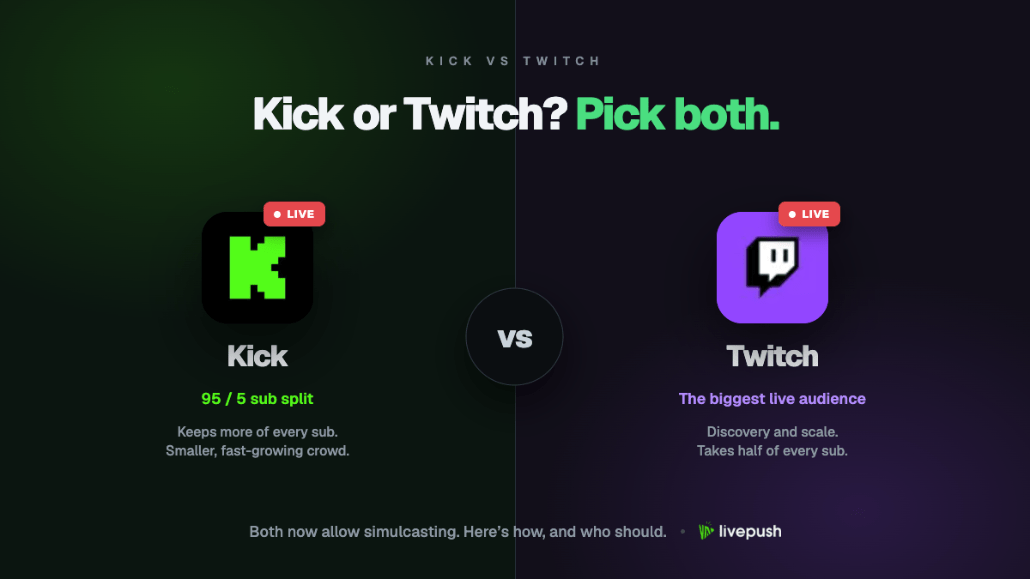
The practical setup is a multistreaming service in the middle: OBS sends one stream to Livepush, and Livepush forwards it to Twitch, YouTube, Kick, TikTok, and 40+ other destinations. Your upload carries one stream instead of four, so every platform gets the same quality, which keeps you clear of Twitch's rule against a degraded Twitch stream. Livepush multi-chat gives you one feed of YouTube, Facebook, and Twitch messages to read off screen. If you have not done this before, read what multistreaming is and how to multistream from OBS. If Kick is on your list, our Kick vs Twitch comparison covers how the two compare for small streamers.
8. Reach Affiliate, Then Use It
Affiliate status unlocks subscriptions, Bits, and more tools. According to Twitch's help centre, you need to reach 25 followers, stream for 4 hours, stream on 4 different days, and reach an average of 3 viewers on 4 different stream days within the last 30 days, plus turn on two-factor authentication. Days below 3 average viewers do not count against you. Your progress is on the Achievements page of your Creator Dashboard. Treat Affiliate as a side effect of the habits above, not the goal itself.
What Not to Do
- Do not buy viewers or followers. Viewbots and follow bots break Twitch's terms of service, can get your channel suspended, and give you a crowd that never chats or returns. They also pollute your analytics, so you cannot tell what is working.
- Do not spam links. Dropping your channel in other streamers' chats or random Discord channels gets you banned, not followed.
- Do not chase every trend. Jumping categories daily makes it hard for anyone to know what your channel is. Experiment, but keep a core.
- Do not judge a stream by its peak. Watch average viewers and returning chatters over weeks. Those numbers move before follower counts do.
The Short Version
To get more viewers on Twitch, stream on a schedule in categories where you can be seen, write titles and tags that tell people exactly what is happening, talk to chat from the first minute, raid and collaborate with streamers your size, and spend real effort on clips and vertical video outside Twitch. Multistreaming widens the net further, as long as your Twitch stream is not degraded and you do not use Twitch to send viewers to your stream elsewhere. None of it is instant, but each piece compounds.
Stream to multiple platforms without extra bandwidth
Send one stream to Livepush and we fan it out to 40+ destinations.