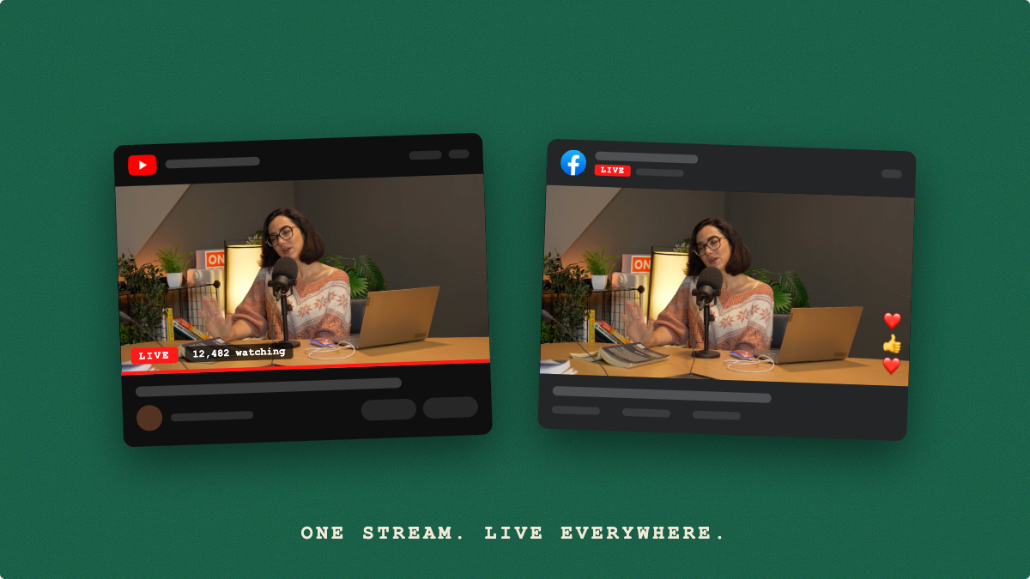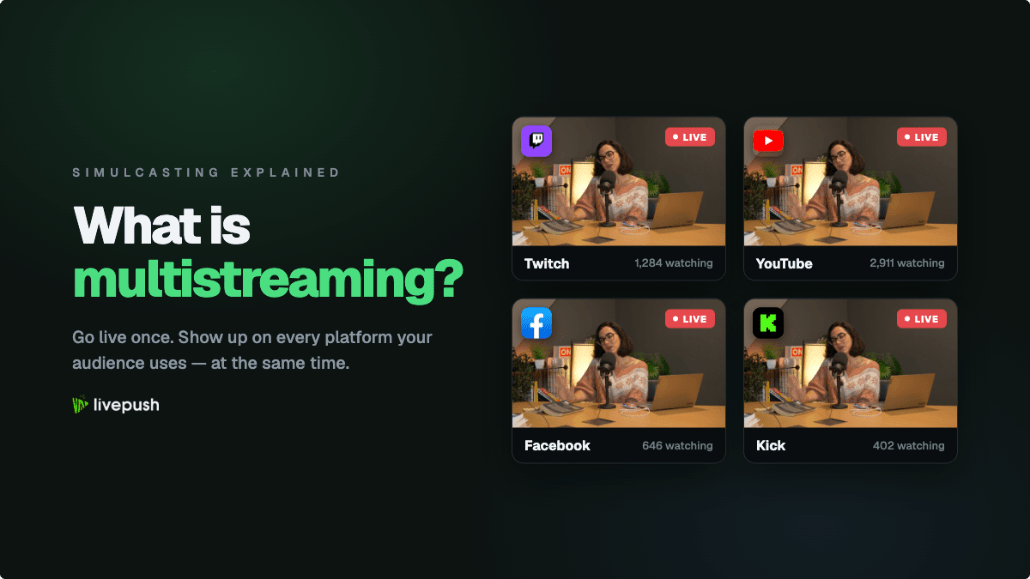
So what is multistreaming? It is broadcasting one live stream to several platforms at the same time. You go live once, and the same video appears on Twitch, YouTube, Facebook, Kick, LinkedIn or wherever else your audience happens to be, each in its own native player with its own chat. Simulcasting is the older name for the same idea, borrowed from radio and TV.
The pitch: your audience is split across apps, and every platform rewards you for being live there. The cost is also real: more chats to watch, more rules to follow, and done the naive way, a lot more upload bandwidth. This guide is for anyone who just met the word, whether you are a creator, a church volunteer, a brand team or an event producer: how multistreaming works, the three ways to do it, the bandwidth numbers, each platform's rules as of October 2026, what it costs, and when it is the wrong call.
Multistreaming vs Simulcasting
Both words mean one show going out to several places simultaneously; the difference is mostly who is talking.
Simulcasting comes from broadcast, where a radio network airing one program on AM and FM at once was a simulcast. Platforms inherited the term: Twitch's rules are titled Simulcasting Guidelines, and Kick's Partner Program refers to simulcast sessions. Event teams also say simulcast streaming when an in-person event is pushed to several online channels.
Multistreaming is the word creators and software products use. It became common around 2016 when cloud services made it practical for one person to stream to multiple platforms at once. Someone searching "how to multistream to Twitch and YouTube" wants the setup, not the heritage.
In practice they are synonyms, with one subtle shade: "simulcast" is sometimes used for the same content on several channels of one platform, while "multistreaming" nearly always implies different platforms.
How Multistreaming Works
Every live stream starts the same way: an encoder (OBS Studio, a hardware box or a phone app) compresses your camera and microphone and pushes the result to an ingest server over a protocol such as RTMP or SRT, and the platform delivers it to viewers.
Multistreaming inserts one step. Instead of sending straight to a platform, your encoder sends to something that makes copies: either your own computer or a server in the cloud. The difference between those two is most of this article.
One feed in, many feeds out
With a cloud service, your encoder sends a single RTMP or SRT feed to the service's ingest server. The service fans it out, opening a separate outbound connection to each connected platform and relaying the same video to all of them. Each platform treats the feed as if it came from your encoder directly.
The fan-out happens in a data center with a multi-gigabit connection, so adding destinations costs the service bandwidth, not you.
Per-destination transcoding
Platforms do not all want the same thing. Twitch's standard ceiling is 6,000 kbps, Kick accepts up to 8,000, Facebook recommends 3,000 to 6,000 at 1080p30, and Instagram only accepts a vertical 9:16 picture. One 1080p60 feed at 8,000 kbps will be rejected or displayed badly by some of those.
A service with live transcoding solves this in the cloud: it decodes your feed once and re-encodes a different version for the destinations that need one, such as a lower bitrate or a vertical rendition. Your computer still encodes exactly one stream. Our video transcoding guide explains the process, and vertical and horizontal streaming covers the 9:16 case.
One caveat: Twitch requires its stream to be at least as good as your other destinations, so transcode other platforms down, never Twitch.
Why your upload does not grow
Your connection carries only the one feed you send to the cloud; the copies are made on the far side. One platform or eight, your router sees the same 6,000 kbps leaving the building, which is the single biggest reason the cloud approach exists.
Three Ways to Stream to Multiple Platforms at Once
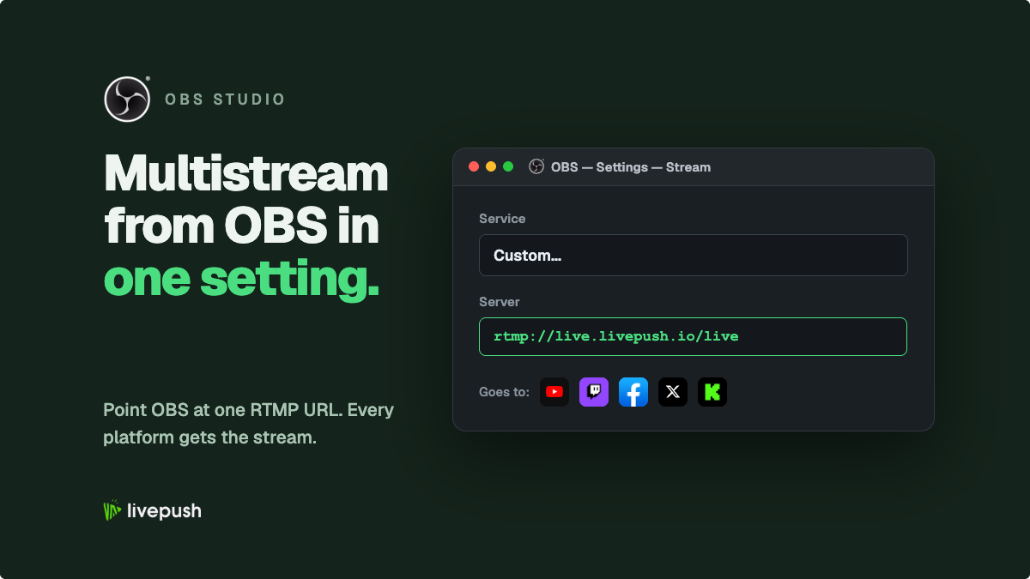
1. Encoder plugin or built-in multi-output. OBS Studio has plugins that add extra stream outputs, and some encoders (Streamlabs Desktop on its paid tier, vMix, Wirecast) have multi-destination output built in. Your computer encodes and uploads a separate copy for every platform: no monthly fee, but every destination multiplies your upload bandwidth and encoding load, which is where dropped frames come from. We cover the OBS version and its limits in how to multistream from OBS. Best for a creator on a fast, wired connection streaming to two platforms.
2. Hardware encoder with multiple outputs. Encoder boxes from Teradek, YoloBox, Blackmagic and others push to several RTMP destinations from the device itself, with no PC to crash, which is why churches like them. The bandwidth problem is identical to the plugin method, since each output still leaves your venue separately, and the output count is fixed by the hardware. Best for venues with a fast dedicated line and a fixed set of two or three destinations.
3. Cloud multistreaming service. You stream once to a service such as Livepush, Restream or StreamYard, and its servers relay to every destination. The service usually also handles platform logins, per-platform titles, scheduling, recording and chat aggregation. The trade-offs are a subscription above the free tier, a second or two of added latency, and a dependency on someone else's uptime. Best for three or more platforms, ordinary residential or venue connections, and anyone who wants one dashboard.
| Factor | Encoder plugin | Hardware encoder | Cloud service |
|---|---|---|---|
| Upload bandwidth | Grows per destination | Grows per destination | Fixed at one stream |
| Encoding load | Your PC, per destination | The box | One encode locally, extra renditions in the cloud |
| Per-platform transcoding | Rarely | Limited | Yes, on most paid tiers |
| Recurring cost | None or a software license | None after purchase | Free tier, then subscription |
| Chat aggregation | Separate tools | Separate tools | Usually built in |
The Bandwidth Math
Rule of thumb first: keep your total video bitrate at or below about 70% of your measured upload speed, so a 10 Mbps connection comfortably carries a 7,000 kbps stream and no more. Test the connection you will actually stream from, ideally wired; our bandwidth guide explains why the headroom matters.
The table uses a 6,000 kbps feed, which is Twitch's standard ceiling and the top of Facebook's 1080p30 range, so it suits most multistreams.
| Destinations | Local methods, total upload | Upload speed needed | Cloud service, total upload | Upload speed needed |
|---|---|---|---|---|
| 1 | 6,000 kbps | about 9 Mbps | 6,000 kbps | about 9 Mbps |
| 3 | 18,000 kbps | about 26 Mbps | 6,000 kbps | about 9 Mbps |
| 6 | 36,000 kbps | about 52 Mbps | 6,000 kbps | about 9 Mbps |
At a 4,500 kbps feed the local figures become 4,500, 13,500 and 27,000 kbps, needing roughly 7, 20 and 39 Mbps; the cloud column stays at about 7 Mbps.
Six platforms locally needs a 52 Mbps sustained upload, which rules out most residential connections and venue Wi-Fi. The cloud column is flat: the sixth destination costs you nothing. The bitrate calculator does this arithmetic for your numbers, and the video bitrate guide explains what each bitrate buys in picture quality.
Platform Rules as of October 2026
Multistreaming is allowed almost everywhere, but several platforms attach conditions, checked here against their own published rules.
Twitch. Simulcasting has been allowed for everyone since October 2023, Partners and Affiliates included. Twitch's Simulcasting Guidelines and Terms of Service set four conditions: the Twitch stream must be at least equal in quality to your other destinations; you must not direct Twitch viewers to a concurrent stream elsewhere, including links during the broadcast; you must not show combined activity from other platforms, such as merged chat, on the Twitch stream itself; and any separate exclusivity contract you signed still wins. Reading merged chat privately on a second monitor is fine; rendering it onto the Twitch broadcast is what the written rule prohibits. Connection details are in our Twitch stream key guide.
Kick. Anyone can multistream to Kick. Partners have one extra step: Kick's help center says a Partner must switch on the Multistreaming toggle under Partner Income before simulcasting to a long-form platform such as Twitch or YouTube, and the Kick payout is cut by 50% for that session. Short-form and vertical platforms (TikTok LIVE, Instagram Live, YouTube Shorts) do not require it. Setup is in how to stream on Kick, and if you are deciding whether to stream to both, our Kick vs Twitch comparison covers revenue, audience and simulcast rules side by side.
YouTube. No simulcasting restriction beyond the Community Guidelines. Desktop encoder streaming needs a verified channel and no live restrictions in the past 90 days; the 50-subscriber rule applies only to mobile live. YouTube publishes no hard bitrate cap, and 4,500 to 9,000 kbps looks clean. Finding and resetting the key is covered in our YouTube stream key guide.
Facebook. Facebook permits streaming the same content elsewhere. It deletes live replays 30 days after the broadcast, so download anything you want to keep. On Livepush, Facebook Pages, Groups and profiles are paid-plan destinations only, starting with Pro at $15 per month; they are not in the free plan. The pairing most churches and brands start with is in our YouTube and Facebook guide.
LinkedIn. Since June 22, 2026, every LinkedIn Live broadcast must be attached to a LinkedIn Event scheduled in advance; the event can be created minutes before you go live, but it has to exist first. LinkedIn has no native broadcasting, so you stream through a third-party tool or a custom RTMP ingest, and Live access is limited to eligible members and Pages.
Instagram. Instagram Live from a computer goes through Live Producer, which gives you a stream URL and a key that resets every session, so you paste it fresh each time. It is vertical only, 9:16, and Instagram describes it as limited access for professional accounts. Details in Instagram Live from PC.
TikTok. TikTok gates LIVE access on your account: you need to be 18 or older and, in most regions, have roughly 1,000 followers before a server URL and stream key appear, and no multistreaming service can bypass this. Once eligible, TikTok is a normal custom RTMP destination; start with how to go live on TikTok.
Rules change, and partner agreements override all of the above. If a platform pays you, read your agreement before adding destinations.
Chat and Analytics Across Platforms
The production side is solved. The human side is harder: six platforms means six chats, and a viewer whose question goes unanswered on Facebook while you banter with Twitch will not come back.
The standard fix is a multi-chat overlay: one feed that merges messages from every connected platform, labeled by source. Livepush includes one that merges the chats from your connected platforms into a single embeddable overlay, which you can keep on a second screen or add to OBS as a browser source. Read every chat in one window, answer out loud, and nobody feels second-class. The Twitch rule applies here: keep the merged view on your own monitor rather than on the video Twitch receives.
Analytics stay separate: each platform reports its own viewers, so you combine YouTube Studio, Twitch's Creator Dashboard and Meta's insights after the show. A spreadsheet of peak viewers per platform per stream shows within a month which destinations earn their place.
When Not to Multistream
Is multistreaming worth it? Usually, but not always. Skip it or scale it back when:
You have an exclusivity deal. Partner contracts and sponsor agreements can forbid simulcasting outright, and a signed contract overrides every public default above.
You are on a weak connection and pushing copies locally. Hotel Wi-Fi plus a plugin sending three streams means every destination stutters. Upload once through a cloud service, or stream to one platform until you have better internet.
You cannot give each audience real attention. A stream that ignores four of its five chats is worse than not being on those platforms. For a solo creator, two or three destinations with a merged chat is the realistic ceiling; bigger productions assign a moderator per platform.
You want one algorithm to see everything. Platforms recommend streams partly on concurrent viewers, and splitting 200 viewers into 40 each across five platforms can leave you below the threshold where any of them promotes you. Some creators build one platform first, then multistream to expand.
Your picture is the wrong shape. A landscape stream fanned out to TikTok and Instagram as-is looks wrong on phones. Send a vertical rendition or leave those platforms for clips.
What Multistreaming Costs
For most people, the first tier is free.
Livepush has a free plan with 3 destinations and 20 hours of streaming per month, no credit card required. Facebook destinations need a paid plan, starting with Pro at $15 per month. Paid plans add more of the 40+ supported destinations and the multistreaming features above; current limits are on the pricing page.
Restream has a free plan that streams to 2 channels at once with Restream branding on the output; its first paid plan, Standard, is $19 per month on monthly billing as of this writing.
Encoder plugins cost nothing beyond the encoder, and OBS is free. Hardware encoders with multi-output run from a few hundred dollars to several thousand, plus the dedicated line they assume.
Compare honestly by adding the connection you would need: a $0 plugin that requires a 50 Mbps business line is not cheaper than a $15 plan on the connection you already have. For a side-by-side of the services, see best multistreaming platforms and Restream alternatives.
Setting Up a Multistream in Practice
The procedure is nearly identical across cloud services.
- Connect your platforms. In Livepush you click Add Destination and either log in with the platform account (Login with Twitch or YouTube lets Livepush fetch the stream key) or paste a server URL and key as a Custom RTMP destination, which is how LinkedIn, Instagram, TikTok and Kick connect.
- Copy the service's ingest URL and stream key into your encoder. A real Livepush RTMP ingest looks like rtmp://us-ws.livepush.io/rtmp/ plus your key; the host varies by region, so copy yours from the dashboard. SRT is also available. The stream key explainer covers the basics.
- Set a bitrate every destination accepts, or that the service will transcode down for the ones that do not. 1080p at 6,000 kbps is a safe default; see the 1080p OBS settings guide.
- Set titles and categories per platform in the dashboard, start streaming, then check every platform on a phone over cellular, not your own Wi-Fi, to see what viewers actually get.
Pre-recorded video and 24/7 playlists follow the same path to the same destinations.
Glossary
Destination. One platform account that receives a copy of your stream.
Fan-out. Relaying one incoming stream as copies to multiple destinations.
Ingest. The server that receives your stream.
RTMP and SRT. The protocols encoders use to send live video to an ingest; compared in RTMP vs SRT vs HLS.
Transcoding. Re-encoding a stream at a different bitrate, resolution or orientation so one source can satisfy platforms with different limits.
The Bottom Line
The technical side of multistreaming is now easy; the strategy is the real work. Pick the platforms where your people already are, give each chat a real presence, respect the handful of platform rules that have teeth, and send one stream.
Stream to multiple platforms without extra bandwidth
Send one stream to Livepush and we fan it out to 40+ destinations.