Featured
Go live on Facebook from OBS: get your stream key, connect OBS, use the settings Facebook recommends, fix common errors, and know the 8-hour and 30-day limits.
All OBS Articles
10 articles
How to record a live stream in OBS, what YouTube, Twitch, and Facebook keep and for how long, how to download your VODs, and how to record in the cloud.
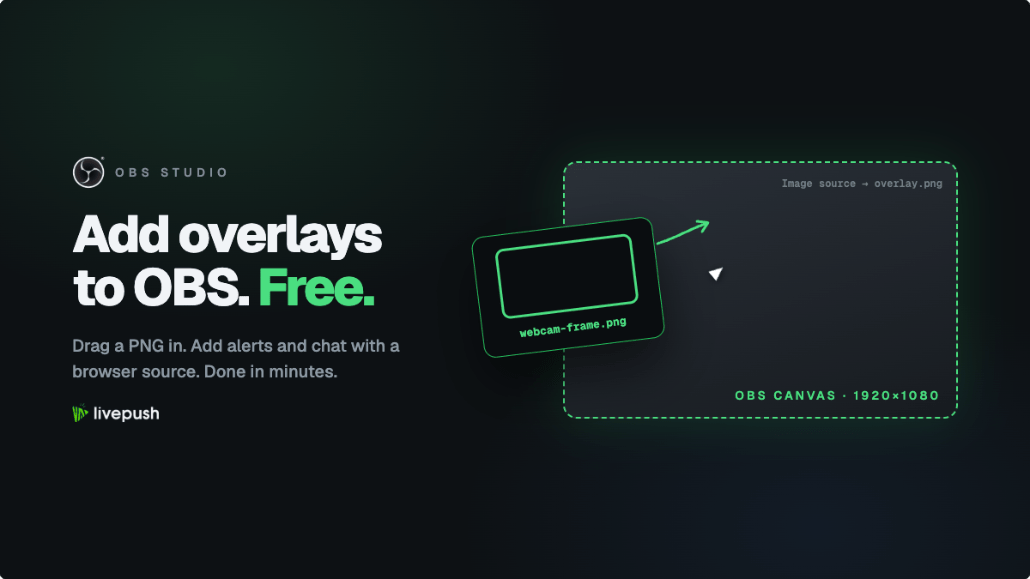
How to add overlays to OBS step by step: PNG frames, animated WebM, and browser source widgets for alerts and chat, plus where to get free stream overlays.
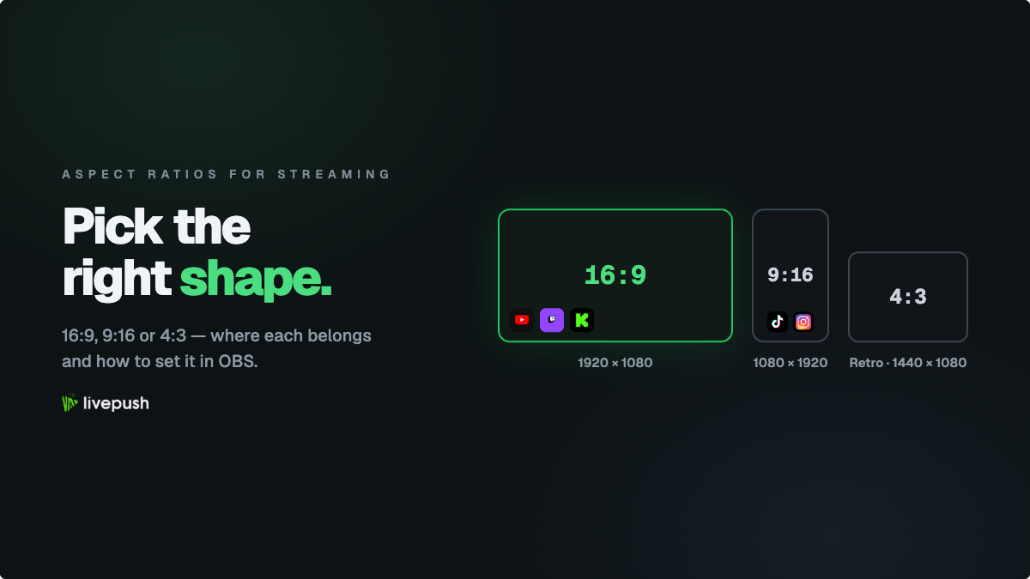
What the 16:9 aspect ratio is, how 9:16 and 4:3 compare, the video resolution each one maps to, which platforms want which, and how to set the canvas in OBS.
Learn how to use OBS Studio from scratch: install, the auto-config wizard, scenes and sources, audio, the four settings that matter, going live, and recording.
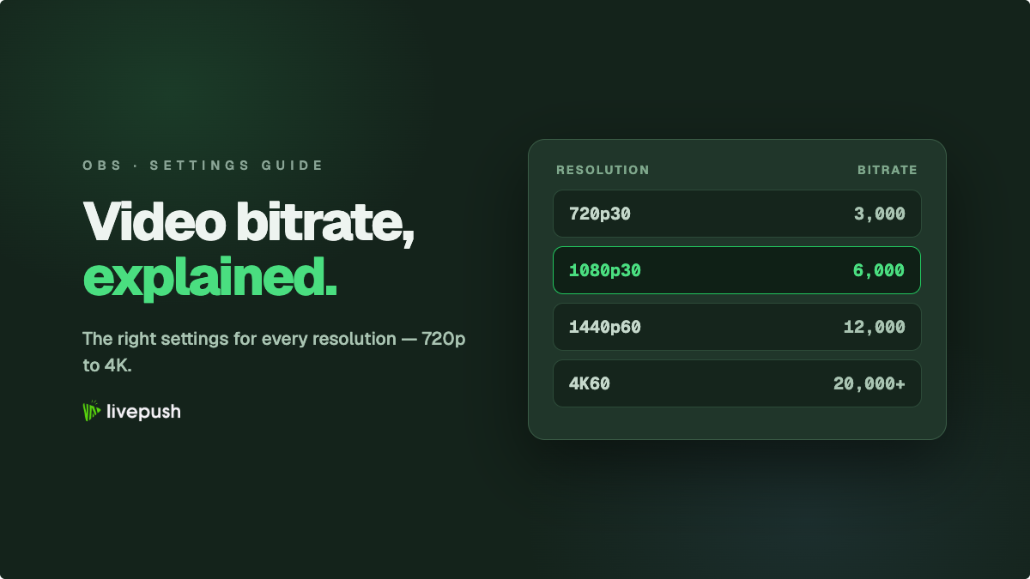
Video bitrate settings for every resolution: lookup tables for 720p to 4K, Twitch and YouTube caps, CBR vs VBR, and how to pick a number that holds.
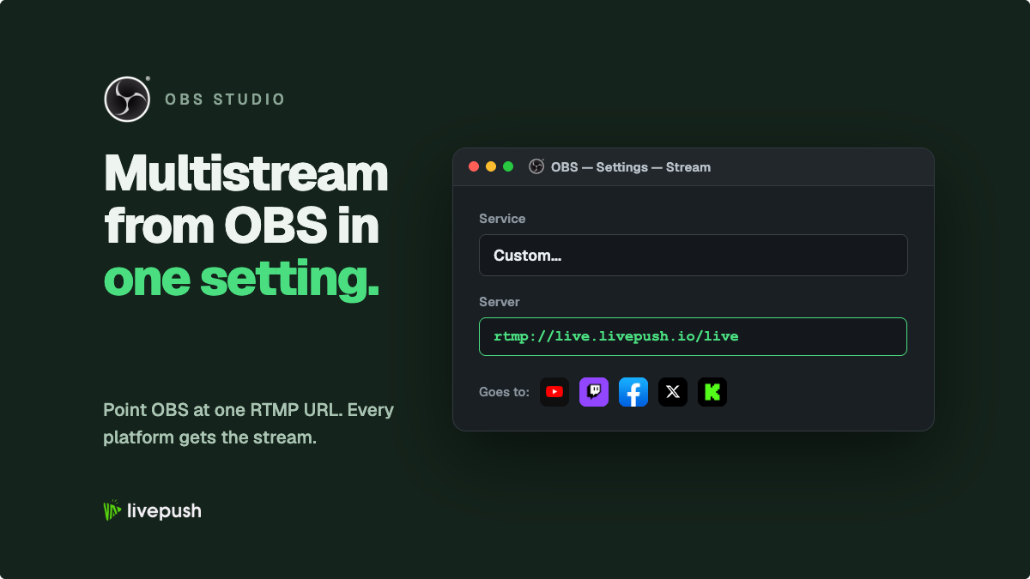
Learn how to multistream from OBS using a local plugin or a cloud service, with the bandwidth math, CPU tradeoffs, and step-by-step setup for both routes.
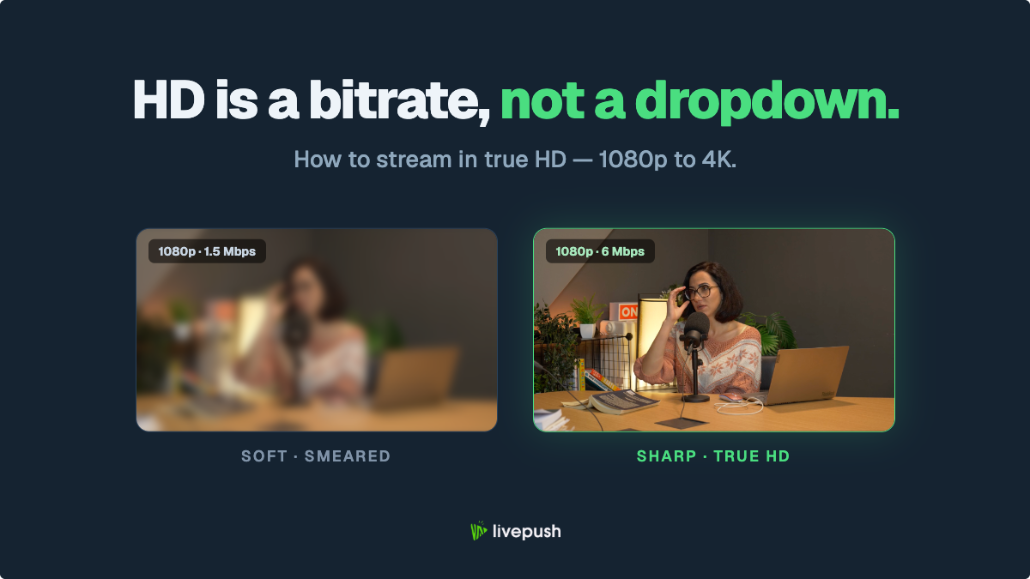
What a high definition stream actually requires: real resolution tiers, bitrate and upload numbers for 720p to 4K, and why HD streams still look soft.
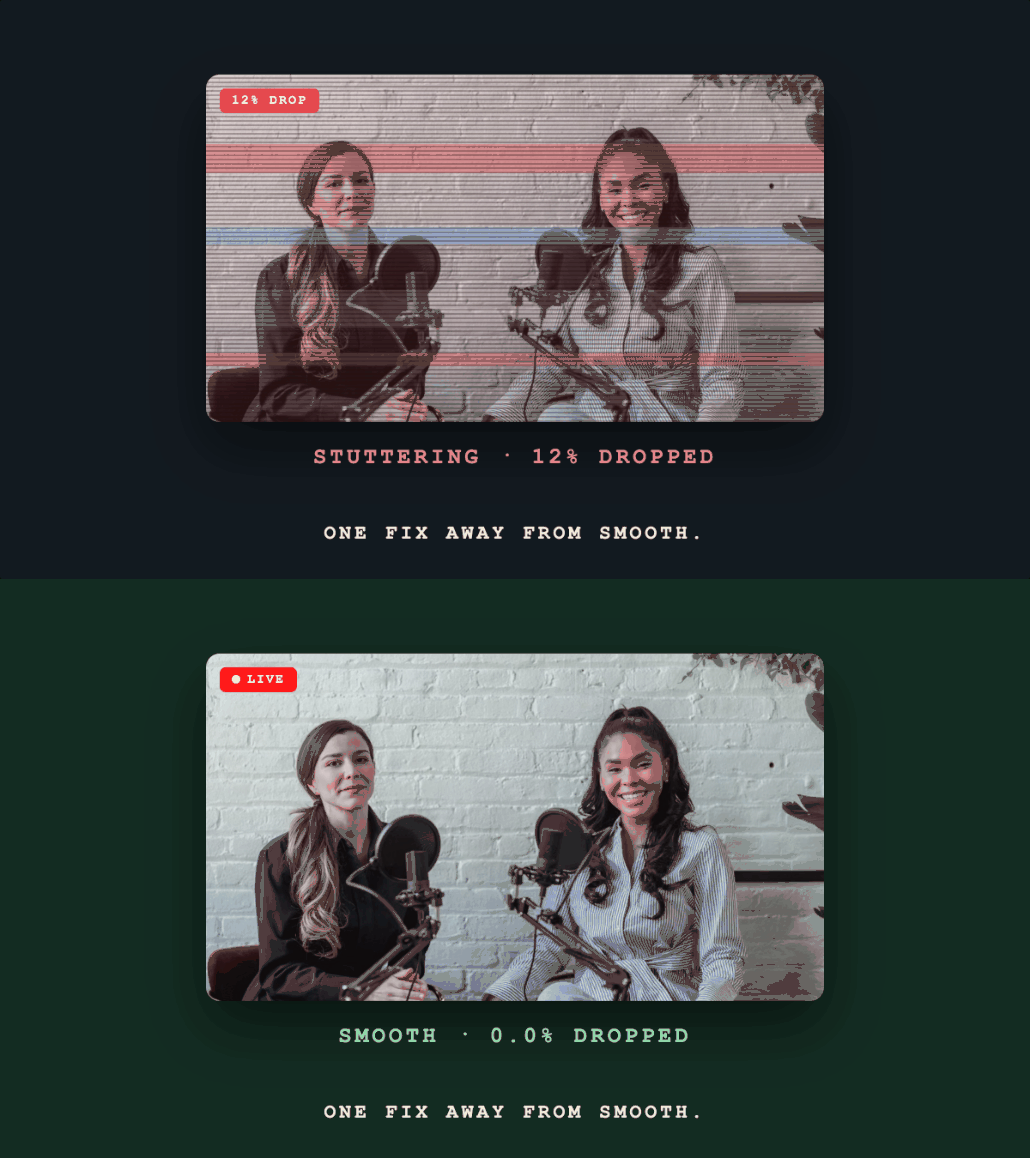
Diagnose and fix OBS dropped frames: network congestion, encoding overload, bitrate issues, and driver problems explained with step-by-step fixes.
Recommended OBS bitrate, resolution, FPS, encoder, and keyframe settings for smooth 1080p live streaming to YouTube, Facebook, and Twitch.